

So I duplicated a VM in VMware 5.5 that happened to be Centos 6. I added a new NIC and set the NIC type to E1000. I booted up the machine and…nothing. It didn’t see the NIC. I ran setup…and it didn’t see the NIC. After much time an annoyance I eventually issued one simple command:
ifconfig eth1 up
And low and behold it came up. It was detected, just no configuration was done int he OS…I felt like a dunce.
From this point just run “setup” and add a NIC of name eth1 or duplicate the ifcfg-eth0 and change the necessary portions.
ESXI crunks up a thumb drive with multiple partitions that regular disk management can’t handle. Windows does have a command line tool that will repair it, though. This SuperUser article outlines the fix.

This one was somewhat spur of the moment, so we didn’t have the whole crew. JJ, Tom Smyth(obviously Irish), and myself(Greg).
Some of the things discussed:
New MTK Gear(CCR109, mAP, CCR1016-12S-1S+, CCR1072, CAPs Manager)
AirFiber5
RIPE
ARIN
Click here to view the post!
I saw this first from Andrew Cox, then again in the forums from Andrew Thrift.
Thanks to Wenas Ong for the pricing and THESE PICTURES.
New details announced:
CCR1009
– 2 Models available:
– – 2x SFP and 8 copper gig ($425)
– – 1x SFP, 1x SFP+ and 8 gig copper($495)
– Dual PSU allowing failover HHHHHHooooooooooooo – needed this for ages
– Available very soon
The PRICE-A is so NICE-A
mAP
– Supports 802.3af/at PoE input
– Passive PoE output
– Micro USB for 3G/4G
CCR1016-12S-1S+
– 12 x SFP
– 1x SFP+
– Comes with 1000baseTX SFP module
– Available April
– $745!
This is looking peeeeeeeerfect for a transport project I’m doing right now. Great for L2 transport me thinks. How can you say no to the price?
New products:
RB850Gx2
– RB450G replacement, same form factor
– 500Mhz Dual Core PPC Processor. I need to see some throughput tests people!
– 512MB RAM
– $129
CCR1072
– New beast mode router
– 72 Core Tilera Processor
– 8x SFP+ 1x Gigabit Ethernet
– 16GB RAM
– Smart Card slot for certificate storage
– Dual PSU
– Available this year, it sounds like Mikrotik are working very hard on making sure the software is ready to handle the power of this hardware.
This is what I’ve been holding my breath for…multiple 10Gb interfaces. I wonder if this thing can do 80G routed…who knows. I know it would be interesting as just 10Gb transit for L2…cheapest 10Gb switch out there?
CAPs Manager
– Centralised wireless controller, looks to be CAPWAP based
– L2 or L3 communication from AP’s to controller
– Beta available in the next few days, full release coming in a few weeks
– http://wiki.mikrotik.com/wiki/Manual:CAPs_Manager
I want to see pictures to better understand specs on the gear, but this is what we know right now.
The MUM starts tomorrow, so be sure to stream the goodness…pay special attention to THIS LINK…our very own Tom Smyth is presenting and it will be so brilliant you just might go blind.
One friend of mine recently asked what everyone was using to do AP aggregation. Another buddy of mine instantly chimed in with TP-Link…the kid is always talking about some TP-Link switches. Tom hasn’t steered me wrong yet, nor has he missed an opportunity to serenade me either, so I decided to give them a try.
I ended up trying the TP-LINK TL-SG3216
24 port with 4 SFP – TP-LINK TL-SG3424
24 port PoE with 4 SFP – TP-LINK TL-SG3424P


Some of the supported features are:
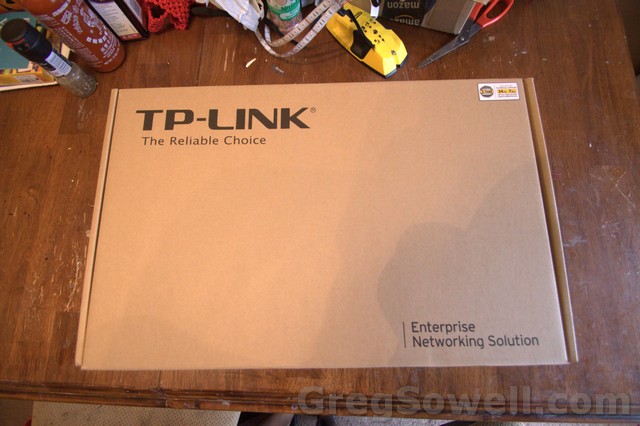
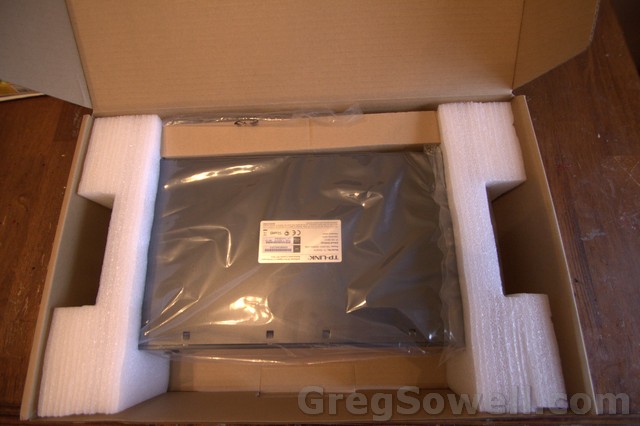
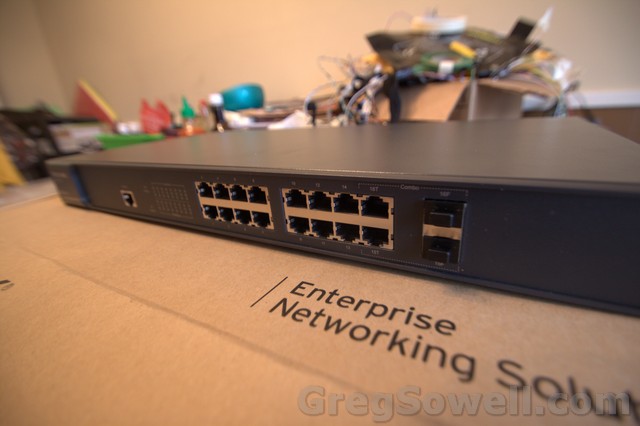
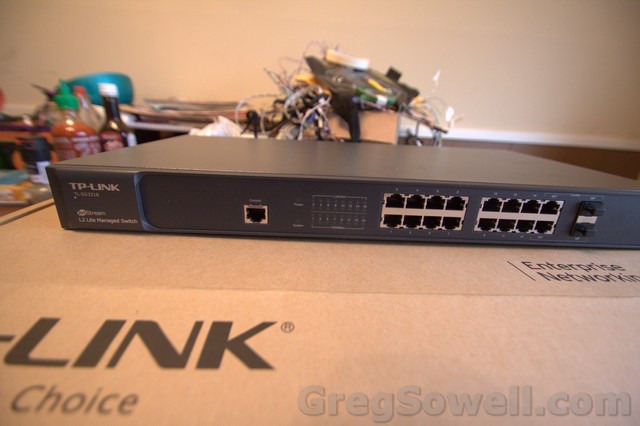
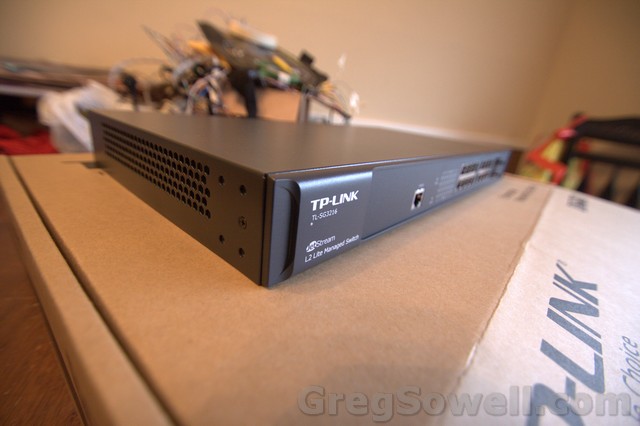
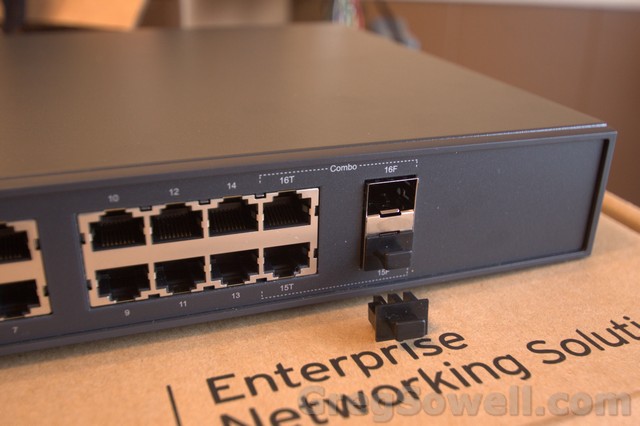
What first attracted me was the recommendation, second was the price, and third was the fact that they use “industry standard CLI”…AKA Cisco. It is EXTREMELY Cisco like, so most engineers will be able to adapt quickly. On top of that they have a good GUI.
In my example I’m connecting several Unifi APs to the switch and trunking them back to the core of my network. The APs will need to be VLAN trunked as I’m assigning different SSIDs into different VLANs. On top of this I want the management of the APs to be in a non-default VLAN, which means we need to adjust the native VLAN on the trunk port.
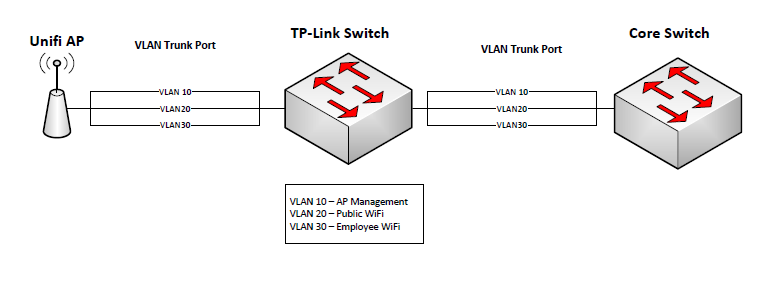
Step one is configure the VLANs(console speed is 38400):
10 is management for the APs and switches.
20 is guest WiFi.
30 is employee Wifi.
In Cisco to enter config mode you would type “config t”; in TP-Link we just type “configure”
1 2 3 4 5 6 7 8 9 10 11 | configure #setup the hostname hostname WiFi-Sw-1 #configure VLANs and name them vlan 10 name AP-SW-Mgmt vlan 20 name Guest-WiFi vlan 30 name Emp-WiFi |
We can configure interfaces one at a time, or use the range command just like Cisco.
1 2 3 4 5 6 7 8 9 10 11 12 | #using the range command to configure interfaces 1 through 15. 16 will be uplink to core. interface range gigabitEthernet 1/0/1-15 description to-AP #Configure the port as general which is trunk with benefits. switchport mode general #Remember we are setting the "native" vlan to something other than vlan 1, so we have to allow it #to operate untagged on the port. switchport general allowed vlan 10 untagged #For every vlan that will traverse the port tagged, we have to set it up in the vlan allowed list as tagged. switchport general allowed vlan 20,30 tagged #The PVID is Port VLAN ID. This is analogous to native VLAN in Cisco. switchport pvid 10 |
So in the above config you see we set the switchport mode to general. It actually has 3 modes available: access, trunk, and general.
Access is straight forward. Trunk means that only tagged packets move. General means that both tagged packets and untagged packets can move on the link. Since the APs do their management via the native VLAN we went with General for our port.
To set the management VLAN and IP to a nonstandard VLAN/VLAN interface, we do the following:
1 2 3 4 | ip management-vlan 10 interface vlan 10 #Note that our default gateway is listed at the end of the IP address. ip address 1.1.1.2 255.255.254.0 1.1.1.1 |
Telnet and enable password/settings are configured just as they would be on a Cisco:
1 2 3 4 5 6 7 | #Setting up telnet line vty 0 4 password TPLinkRocks login exit #Here's our enable password enable password GregRocks |
Saving configurations is done with a normal “copy run start”.
So if you are interested in the switches and want to pick one up, think about buying it through my affiliate link
You on the hype train bro? While I’m nobody’s fanboy, I really do like what they are doing here. Take a ticket and climb aboard for a few seconds. So this commercial is supposed to be getting some airtime soon on major networks:
Along with the add campaign is the world network lookup tool found here.
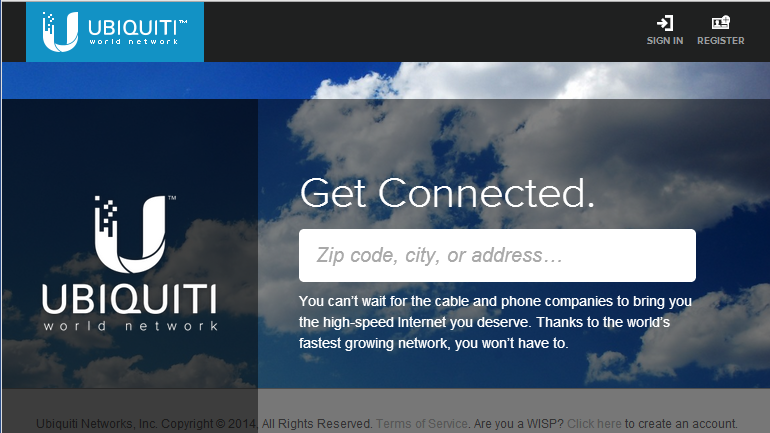
Oh the pretty clouds.
You drop in your zip code and it shows you a coverage map of WISPs in your area.
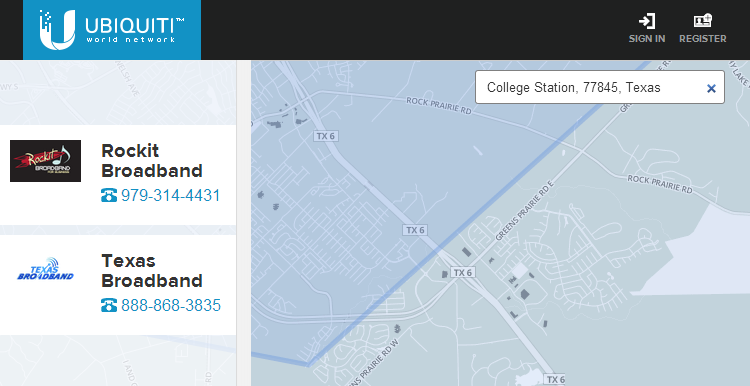
Hey, I live there!
WISPs can log into the interface and drop they coverage/contact information for all to see. Not only that, but it is free!
So what’s the point to all of this? Obviously the fanboys say the point is that Ubiquiti is awesome. Then you ask, what they think the underlying thought process is, and they say “because Ubiquiti is awesome!” I’ve heard some people scoff at it as well…but what do I really think about it. Well, I have a few thoughts:
One, UBNT is now a publicly traded company. This means they are worth whatever public perception provides. So this advertising helps them personally.
Second, the lookup tool helps out the WISP industry as a whole by providing a good single portal for service lookup. I feel like this is assisting users to find all of their connectivity options. As SEO picks up it will provide more exposure for WISPs and UBNT. UBNT gets more publicity, which is a win for them.
The third option is one most people probably wouldn’t think about. I’ve had the opportunity to assist Ubiquiti with some philanthropic work. Robert wasn’t verbose on any one subject, but he genuinely seemed to care about the work we were doing(to be honest it was some of the most rewarding work I’ve had the pleasure to do). In my opinion, he feels the same way about this too. Most of my best friends work in the WISP industry, and they are some of the best and most loyal people I’ve met. This will, I think, make a difference for these guys, and Ubiquiti is secretly doing it for them. 😉
So is it perfect, no. Is it a good first step, I think so. Drop me a note in the comments and let me know what you guys think.