


This is a CCNA style class that is vendor independent…ish…it’s really a free CCNA Training Video. I focus on Cisco and Mikrotik.
The video is about an hour and 45 minutes.
The slides are here -> Intro to Networking Slides (17349 downloads)
This class was taught to a group of guys I am quite familiar with, so the style is pretty laid back with a conversational tone.
As always, your feedback is quite welcome!

After you have done a wireshark capture, you will most often want to cull out some of the information. You do this using filters. You can use the filter builder, which is a slow process, you can memorize what to type or you can simply right click 🙂
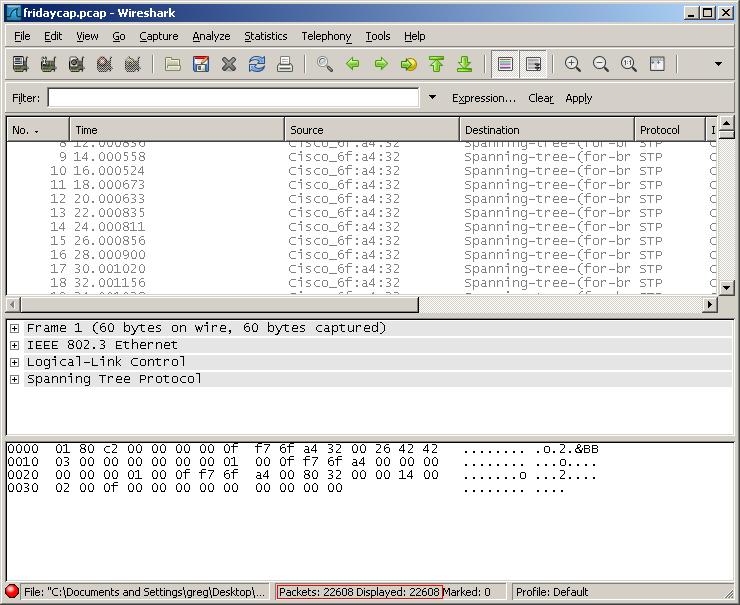
22K packets captured
Right click on the exact piece of information you want to filter by (include or exclude) and choose “apply as filter”. This will allow you to quickly add or exclude it in the filter options.
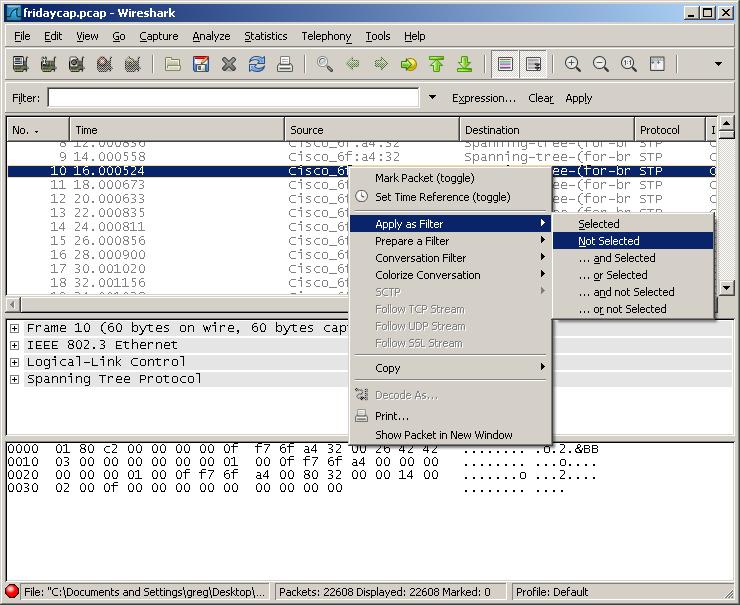
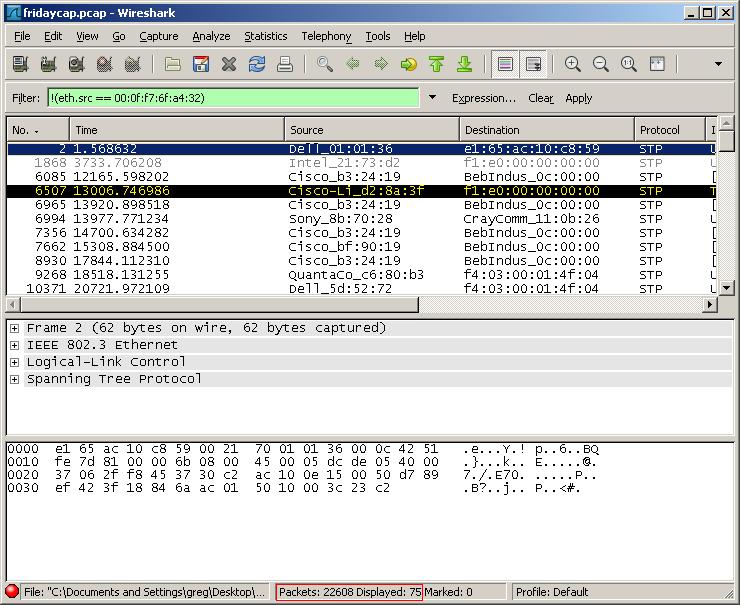
Filtered down to 75 entries
My boy Brian shows you how to view the PSKs for your VPN groups on your ASAs running 8 code with a single command here.
So, I saw some homemade catapults a while back and figured I would try my hand at making one. Here’s the prototype. BTW, the video is at the end!
Materials:
- About 2 feet of 1X4. I picked up a 10′ sheet for $1.81. I used pine since this was a prototype, for the real deal, I would use a hard wood.
- 8 screws.
- 1 dowel rod. I got an oak rod for $.99.
- Some cotton twine.
- A saw, drill, screw driver and proper safety equipment.
- Optional wood glue.
- Optional 4 year old assistant 😉
I started by cutting a 11″ piece of the 1X4 for the base. Then I cut a 2″ piece 10″ long for the launch arm. I then cut two 2X2 squares to hold the launch pin. I cut a 1X2 piece for the launch pin. I cut two triangles just using my square, so all angles are just simple 45s.
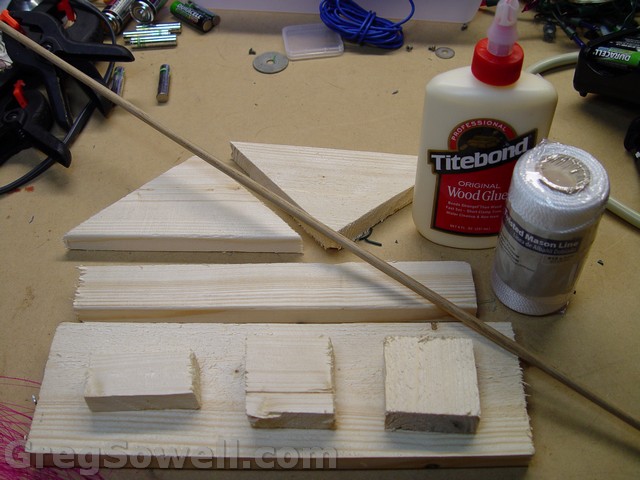
Roughly what it will look like
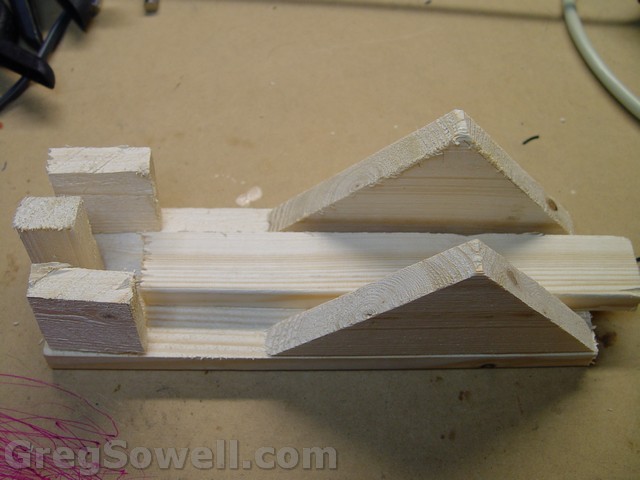
Roughly what it will look like
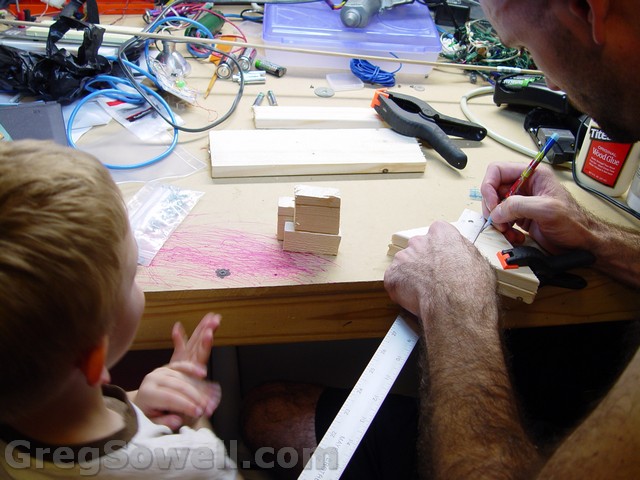
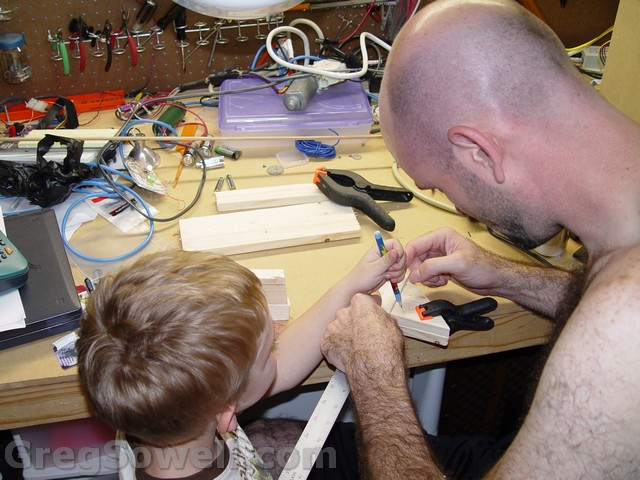
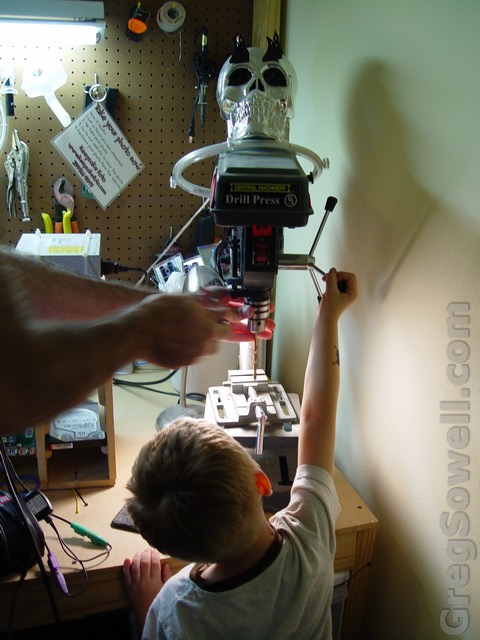
Setting the drill bit

Safety 1st 😉
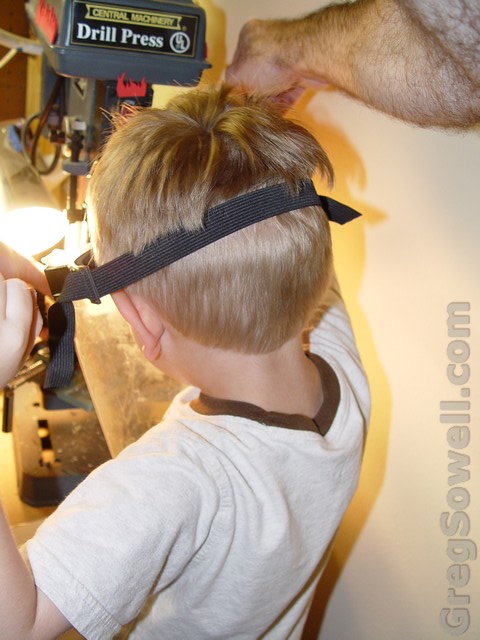
Never too early to get them started
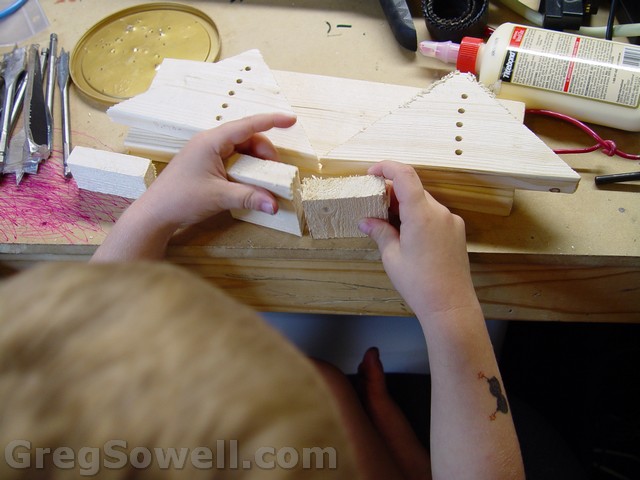
The triangles drilled
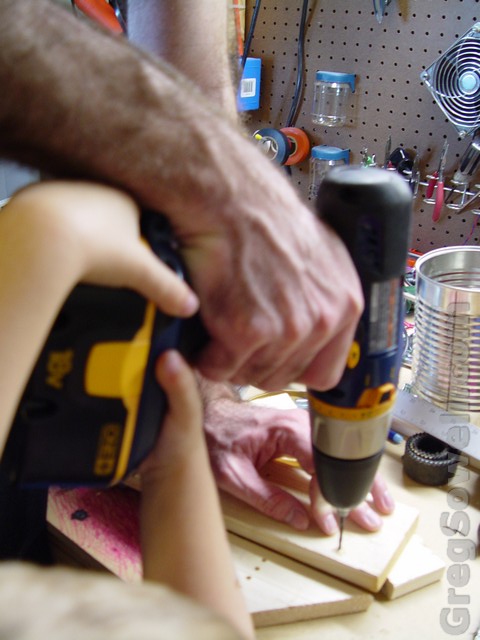
Predrilling the holes for our triagles
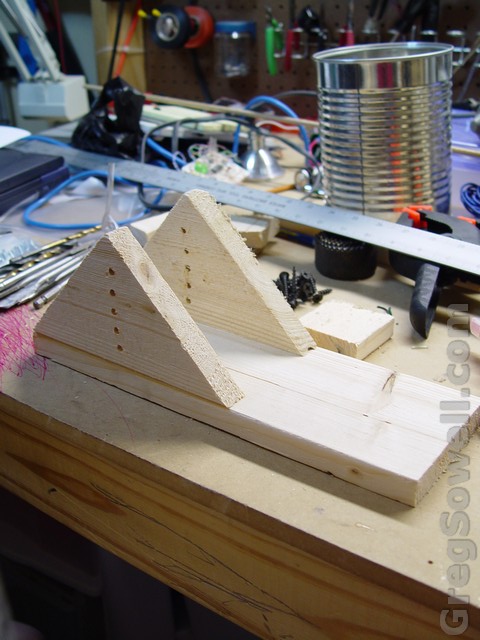
The triangles mounted
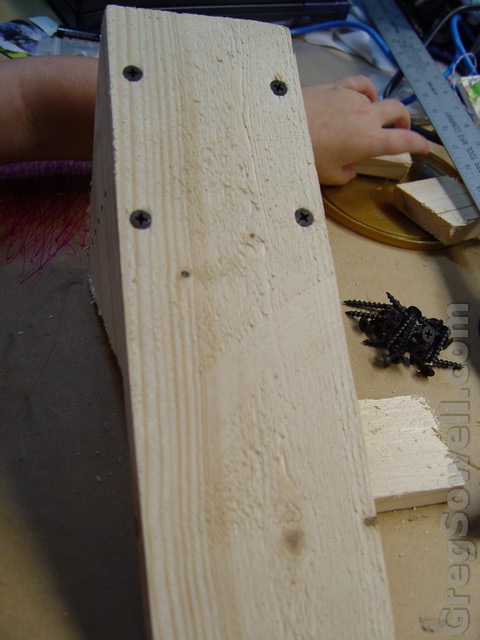
Bottom view so far
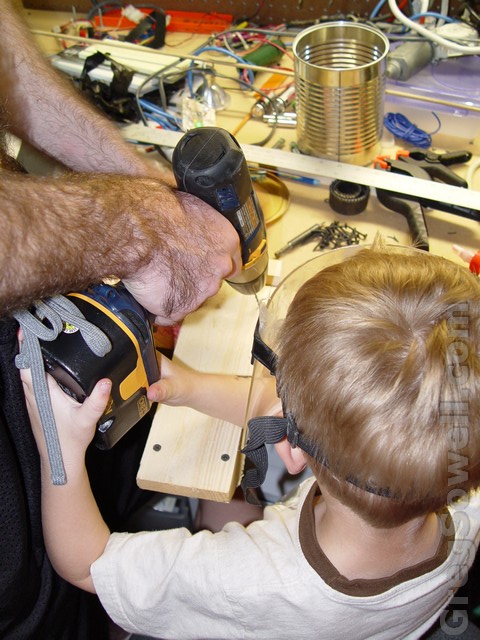
Predrilling lock holders
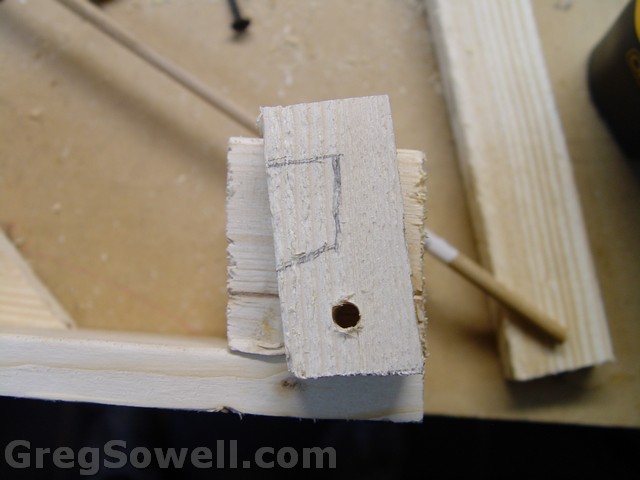
Lock drilled and marked. Sitting on lock holders.
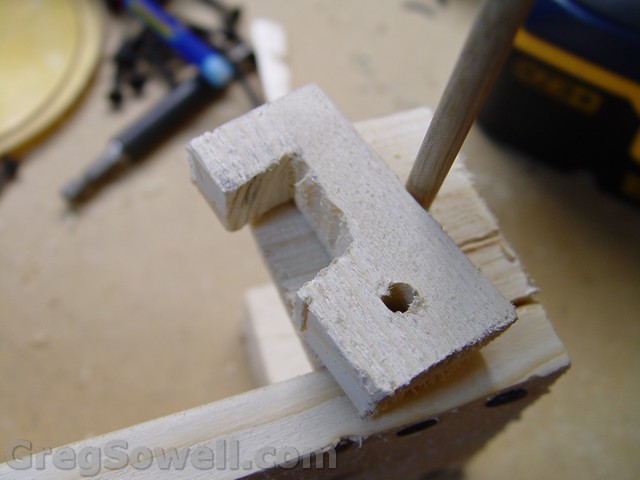
Lock cut
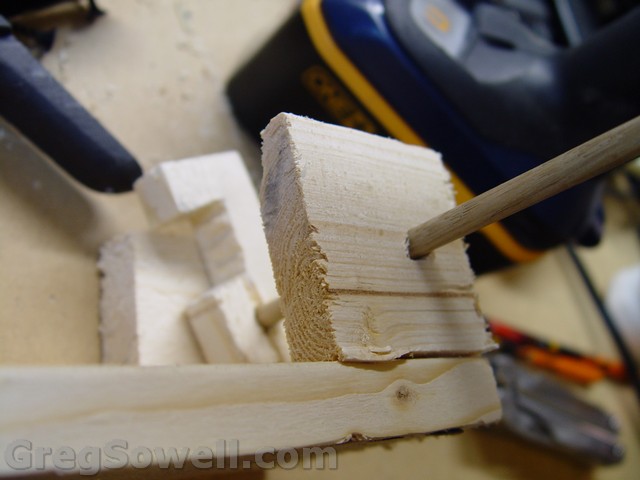
Lock with dowel inserted. Just about to cut the dowel off clean.
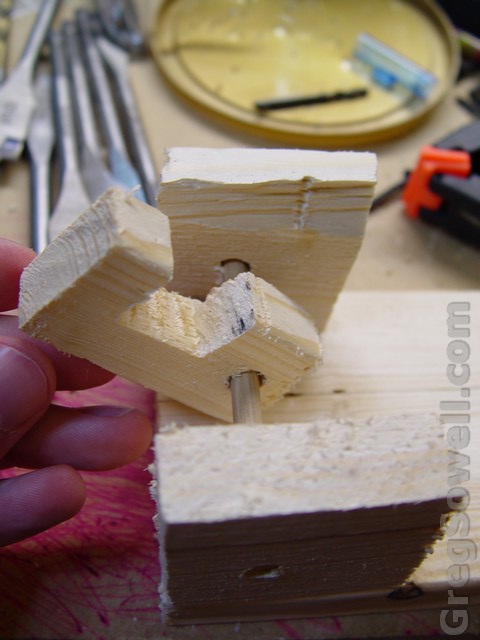
Lock complete
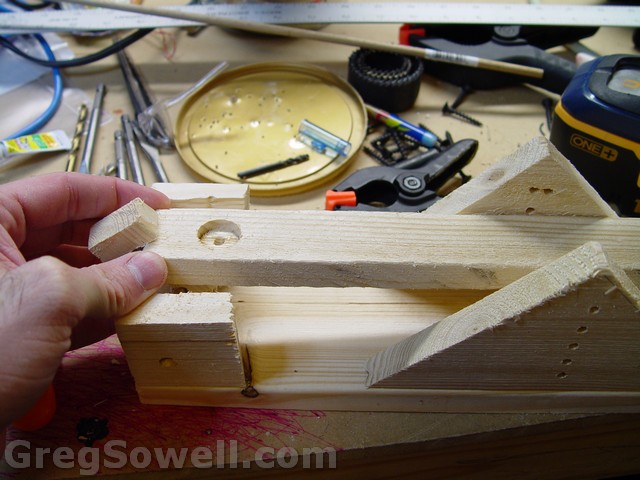
Dry run of how launch arm will fit
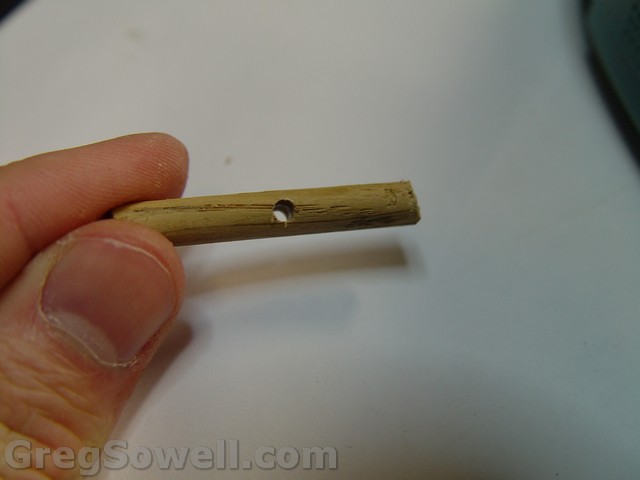
Drilled small hole in 1.5
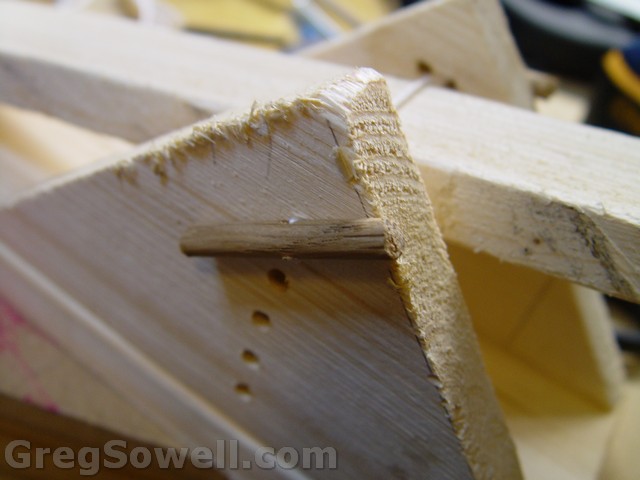
Twine run from one dowel through the holes - either side of launch arm - through holes and into the last drilled dowel.
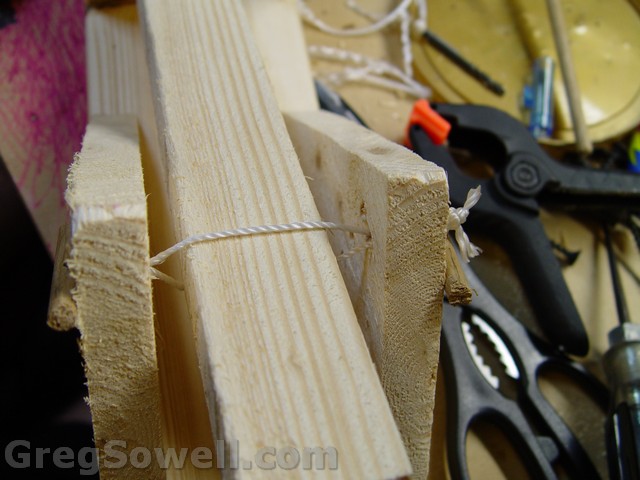
Another view of twine around launch arm
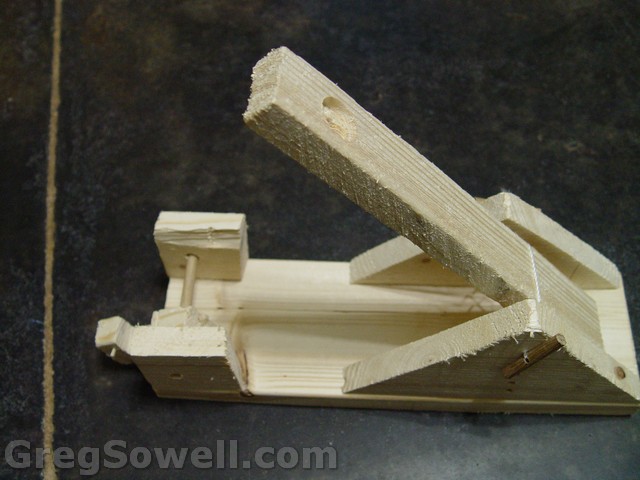
In the launched position
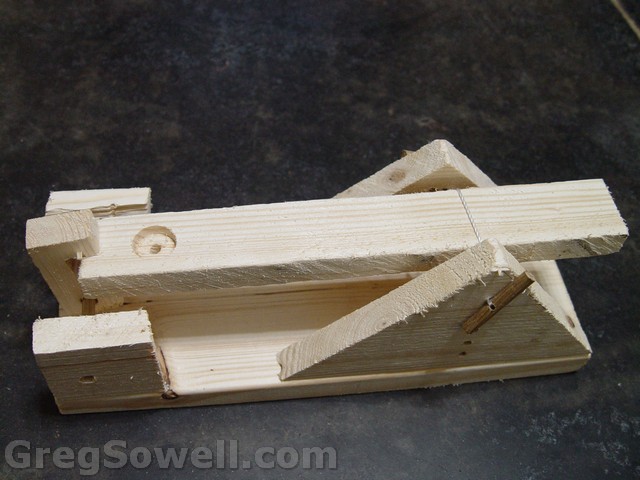
In the locked position, ready to launch
So, the way it works is to wind both of the dowels forward. This streches the twine which inturn puts pressure on the launch arm and forces it forward. Once you get it sufficiently tight, you pull the launch arm back and lock it with the lock pin. You put some object in the little launch cup that I boared into the launch arm, then pull the launch pin back. If it doesn’t go quite as far as you would like, just wind the dowels farther forward.
I noticed that my triangles are starting to lean in from how tight I have the dowels twisted. I’m going to put a little block below the launch arm on the triangles to hold them apart, I’ll update the post when I do.
As always, thanks for reading, and please leave me some comments.
The Video below is my 4 year old launching a lizard =)
Everyone knows I’m a fan of CablesandKits, and I happened across this deal from them, so I thought I would share it. This is 1U rack mount APC PDUs for $10 each!
I also saw that BalticNetworks is running some good deals on their gear – RB1000 for $595, RB750 for $35. I’ve not ordered from these guys, but I met them at the MUM and the owner is quite a clever fellow…heh.
I’m also digging the KamFab enclosures they are selling…pre drilled and marked for many MTKs.

So I’m sitting here on the porch of our cabin in Leaky (pronounced lakey) Texas. This place is beautiful:fall leaves, quiet, Frio river. With all this beauty, the first thing I naturally do is to boot up my laptop and see if I can get wireless 😉
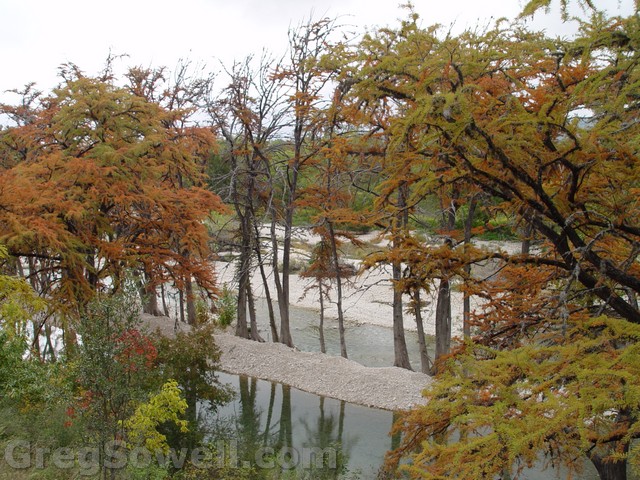
Off the porch
Indeed I can. The AP is a Meraki. These guys are new to me, but from first encounter they seem like pretty much dump mesh clients. My cabin has this nailed to the outside:
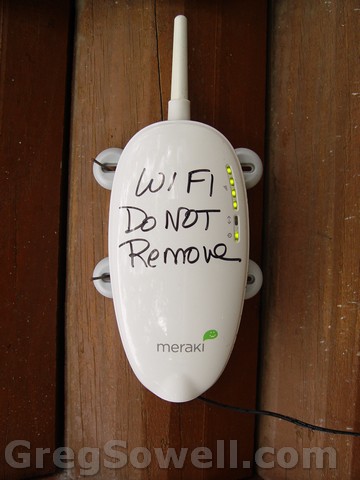
They love signs...sans a sign they use sharpie...hehe
If you browse to your default gateway once connected you get the Meraki web interface. This has almost no functionality. There is an interface to set the IP, which you have to login to get to. They use username of admin with a password of the serial number that is on the back of the AP. Soooo, I logged in with the serial number and it affords you no real additional functionality…just change the IP.
It does have a client test and the ability to view other mesh nodes…but not much else.
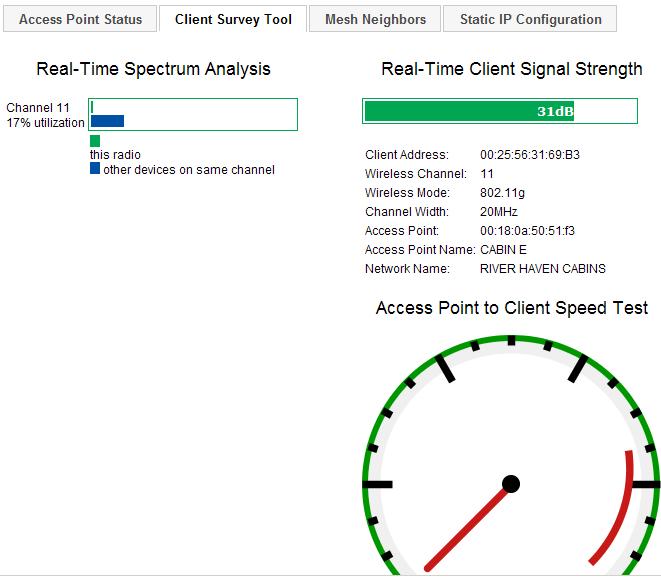
Client Speed Test
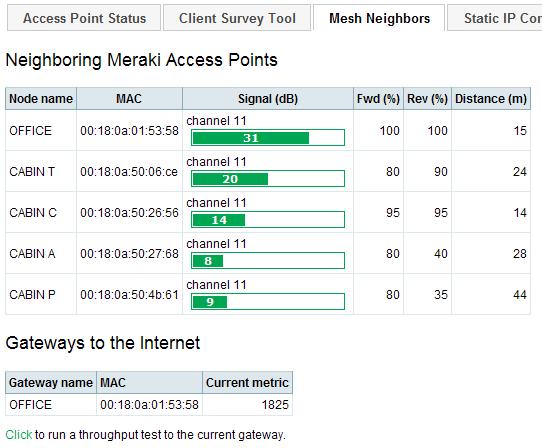
Mesh Neighbors
It appears as if the services are customizable, as they do browser hijacking:

Hijack at top of page
It looks like you do option config through Meraki’s centralized servers. They want you to login to dashboard.blah.blah. I’m assuming this is where you name your APs and configure hijack settings…hehe.
Also, for my adoring fans, this is me, sitting out here in the woods, writing this post.

The blinding beauty that is Greg...or possibly the glare off of my head.
Some times there is nothing better for trouble shooting that a nice process tree. Cisco has a great set of them here.
My favorite is “Troubleshoot missing routes”:

missing routes
Always remember that when you check your filters that you are checking your prefix list AND your AS-path filters!
Issue the “show ip bgp sum” command to get the quick and dirty on your peers.
Then issue “show ip bgp nei X.X.X.X received-routes”. This will give you all the routes this peer is sending you, before they hit your filters.
Next issue “show ip bgp nei X.X.X.X routes”. These are the routes that have made it past your prefix list filters, but not necessarily your AS filters. If the route has the > by it, then it will make it to the route table, if it doesn’t, ensure that it passes the AS filter. Double check for prepending and such.