

Noting…unless of course you are me 🙂
Here’s the situation. We are doing user aggregation on a 6509 chassis. Due to cost considerations, we only put a single Sup in. We had a power supply failure which subsiquently killed the super…don’t ask me how, but it did. I quickly threw in a redundant sup720 I had to temporarily replace the dead sup32.
Luckily I ordered the supervisor from Canvas and they replaced it. I’ve been trying to schedule the replacement install for about 9 months now…my sup32 baby was finally ready to be born, so away I went.
I backed up the config from the temp sup, then cleared it. I then inserted my replacement sup32 and booted it…when it came up in…CatOS, aww what the poop!
It’s been a million years since I’ve used CatOS, so I had to google how to put a management IP on the thing.
1 2 | show interface set interface sc0 172.16.84.17 255.255.255.0 172.16.84.255 |
I then googled how one would go about converting from CatOS to IOS. I stepped through the process easily enough. I uploaded IOS, cleared everything out and configured it to boot to Rommon. Nice.
When in rommon I issue the next command:
1 | dir disk0: |
and I get an error. No big deal, I uploaded my image to bootflash and to disk0…the fact that disk0 won’t read isn’t a deal breaker. I then issue:
1 | dir bootflash: |
and I get an error with a message stating
Resetting ....... |
No matter what I do I can’t get any CF to read in disk0. I try formatting from another router. I try formatting then loading IOS…NOTHING WORKS! I get fun errors like “cannot load the monitor library” and “cannot determine first file name on device “disk0”.
I even tried setting the confreg mode to “the boot helper image” and nothing happened.
After much time and anger, I was pulling the supervisor out and noticed the the bootflash sitting there…So, I replaced it. I then booted the chassis and issued:
1 2 | dir bootdisk: boot bootdisk:name-of-ios.bin |
and BOOM. There is the image. Apparently the corrupted bootflash just bricked the router.
Needless to say that I was relieved, but good lord could that have taken longer or been more frustrating? Note to self, if bootflash is acting a fool, replace it immediately and save yourself some heartache.
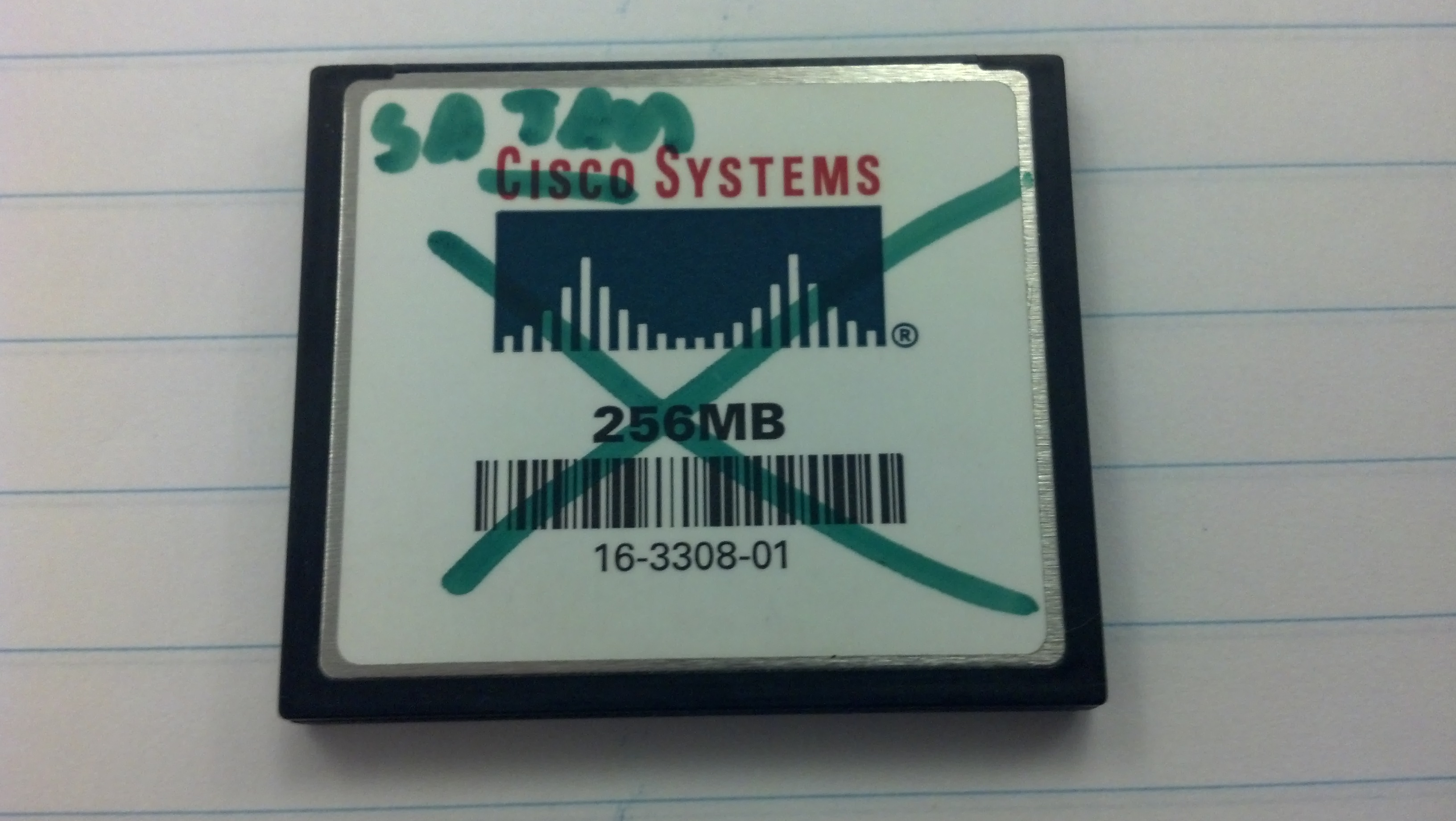
Satan Systems...I can't wait to smash this thing!
I received my 2011 and I’ve only done some preliminary testing. First impressions are positive. The unit is attractive, slim and feels solid.
Just as a recap it has:
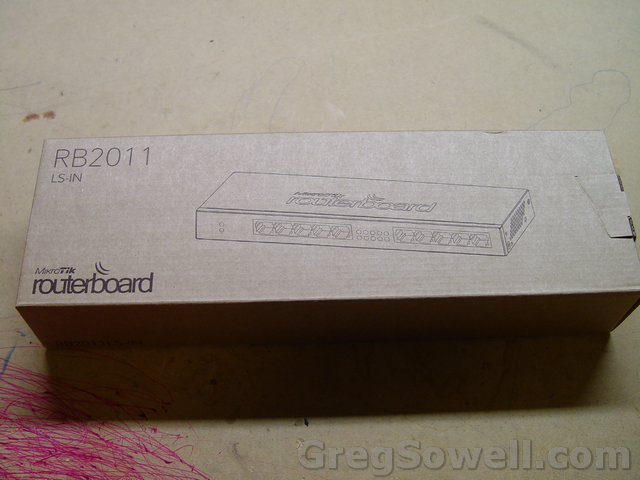
Such fancy boxes...those clever Latvians.
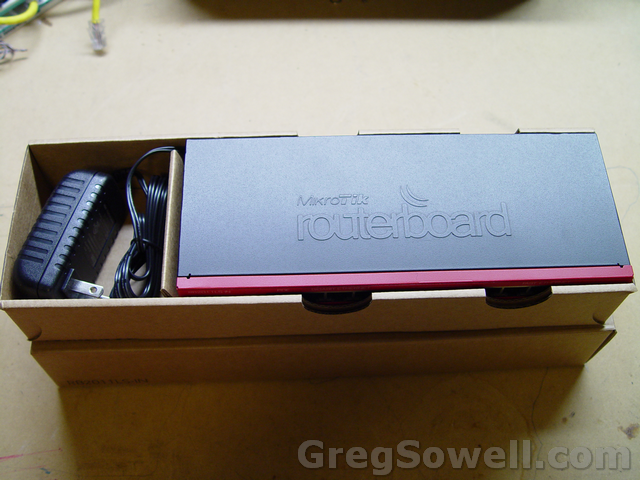
Again, these have the power cord built into the unit…seems somewhat strange, but it has plenty of length on the cable.
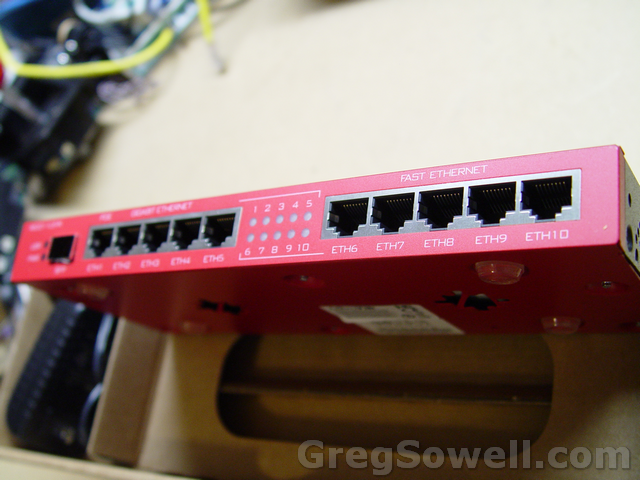
Such a clean look!
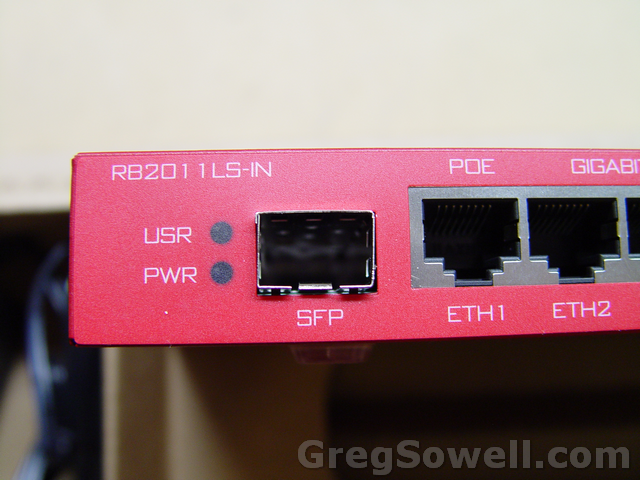
SFP, yeah you know me.
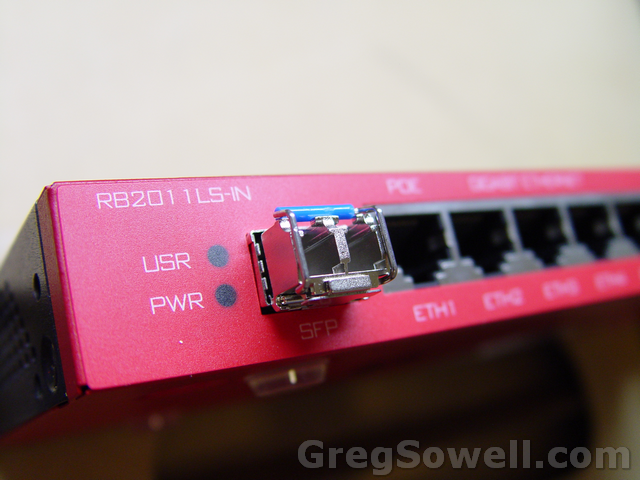
Cisco SFP inserted.
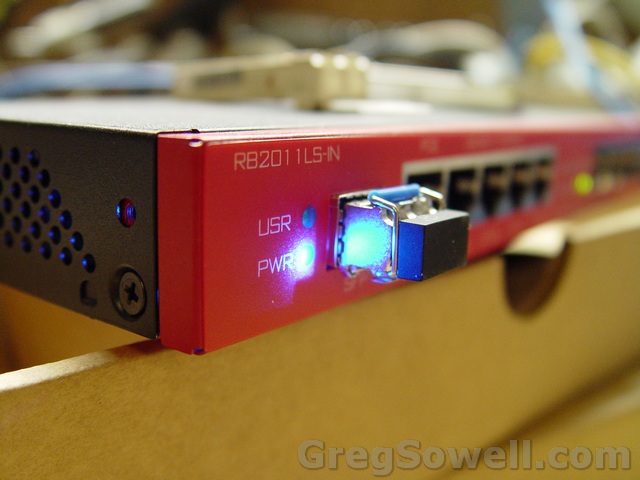
Let there be status lights!
So I tested using some of my Cisco compatible SFPs and they worked a treat. I tested by connecting my 2011 SFP over to a Cisco 3550 GBIC. I then used a copper GBIC to a server based MTK I have.
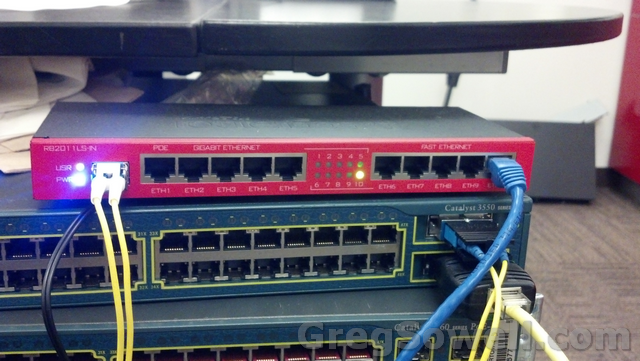
Things of note. The link light for the SFP is the USR light…I’m not sure what that means, but when link is up, USR lights up :).
Another thing I noticed is that if you disable the SFP interface inside the router, the optic physically stays up. It continues to pass light and the link light even continues to report properly…I don’t know if this is by design or if it is just a bug. At this point I’m assuming it is a bug and I’ve reported it.
**EDIT** According to Mikrotik this is a hardware limitation. They will have this feature and DDMI(advanced reporting) available in the next hardware revision.
Doing a speed test to my server based through the 3550 I get near line speed doing UDP from the 2011.
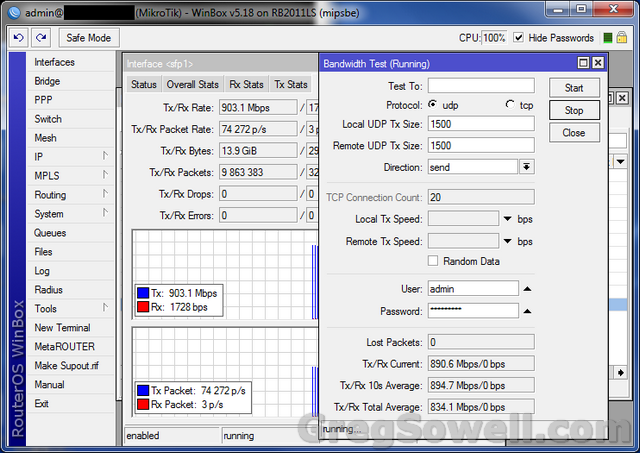
I have a larger facility that only has fiber distribution to customers so I’ll be pacing this in production pretty soon.
Don’t be jelly guys 😉
I can’t describe to you how excited I am for these. I do a good bit of SCADA/data acquisition/monitoring, so when I see something like this come along I get all giddy.
It appears as if they have gone and made a slew of remote sensors and controllable outlets. They have also made a centralized management interface to aggregate the system. It really appears to be a wired/wireless ethernet building automation system.


Software

The software appears to be the nerve center of the product. They are boasting a unified interface for all of the devices. The reporting is sent back and graphed here. Events and alerts as well as automation happens here. It looks like you can add triggered scripts and actions based on sensor thresholds and events.
mPower


Here are controllable power strips that I believe can also read amperage. I’ve done a LOT with branch circuit monitoring, which is basically polling CTs to gain amperage on a large scale. See my BCM project, though I have a FAR more advanced version that I haven’t published…if anyone wants to buy it hehehe.
These come in an 8, 3 an 1 port version. I currently use 8 port controllers at my tower locations, so I would love to see the price point on these.
mSensors

Now I’m getting all tingly in my manly bits! Here is a wall mount motion detector which I assume sends back events on detection. These connect to the mPort modules below.

Here is a ceiling mount detector. I would assume it operates the same as the above. These connect to the mPort modules below.

Here’s a temp sensor, which I assume is just a gussied up thermister. These connect to the mPort modules below.

These are some fancy split core CTs. They will measure from 0-100Amps, though I’m not sure how granular the readings are. In a nutshell, you clip these over a single lead of an electrical circuit and they will read the current amperage. These connect to the mPort modules below. Again, see my BCM project.

Here’s a door sensor. Looks to be just a dry contact to read on or off. These connect to the IO port on the mPort. It appears the mPort only supports a single dry contact connection like this. I suppose you could daisy chain several in series, though you wouldn’t be able to discern which specific sensor alerted.
mPorts


The mPort terminates two of the above sensors and one door sensor. This is the gateway for the sensors back into the IP network. It has both wired and wireless connectivity. You can also see the sensors connect with standard cat5 cables. Do remember that in electrically noisy environments you will most likely want to use shielded patch cables.

The mPort Serial is basically a remote serial port. You can connect to switches and routers. I assume you can do far more with this because it has not only RS232, but RS485 and RS422 capabilities!
Now, for my questions:
What do you guys think?
There are no words other than four letter ones!
Does this mean Matt wants to join a cast?


What’s new in 5.18 (2012-Jun-21 17:20):
*) fixed upgrade problem when it failed with error “disk is too small” while
there was plenty of space left;
*) fix health and poe access reliability on OmniTIK UPA and RB750UP boards;
*) sstp – improve initial handshake to better handle many new connections;
*) wireless – do not use bridge and WDS mode on AP-AP links, causes loops;
*) dhcp ipv6 pd client – fixed ipv6 pool creation after reboot;
*) dhcp ipv6 pd client – added option add-default-route;
*) sstp – fixed connection idle time reporting;
*) fix bad block count not to increase on Samsung K9F1208U0C nand;
*) snmp – fix dhcp lease table, snmp reported an incorrect information
when a static lease had configured different address than current active address,
this should also solve problem with dude polling same leases over and over again;
*) fix RB1100 crash on interface disable/l2mtu change/reboot;
*) dns could not resolve some domain names, was ignoring replies with DNAME RRs;
*) fix firewall log action – sometimes was not logging mac addr;
Sounds like a strong set of bug fixes, though no new features. You guys Guinea pig it and let me know.
The Cisco link is here.
The idea is that you can transform dialed or dialing numbers on phones or gateways using these methods.
First, create a translation rule:
1 2 | voice translation-rule number rule precedence /match-pattern/ /replace-pattern/ |
Example:
1 2 | voice translation-rule 10 rule 1 /1235551111/ /1235552222/ |
Then create a translation profile:
1 2 | voice translation-profile name
translate {called | calling | redirect-called | redirect-target} translation-rule-number |
Example:
1 2 | voice translation-profile incoming-transformation translate called 10 |
I applied it to a voice gateway:
1 2 | voice-port 0/0/0:23 translation-profile direction profile-name |
Example:
1 2 | voice-port 0/0/0:23 translation-profile incoming incoming-transformation |
Remember that on the translation profile to set called or calling properly…It’s the little things 😉


In the data center world we see the demand for dual power feeds (true A/B connections) everyday. Some equipment only has a single PSU, though…what is one to do? You employ an automatic transfer switch or ATS. This is a device that will switch between multiple power sources automatically in case a single feed fails.
The Zonit Micro-ATS is an automatic transfer switch designed for a single device. These super cute little guys have a break before make technology and will also transfer if the phases are out of alignment.
What’s the downside to these guys? A single unit will cost you as much as a standard 1U ATS($300-400). So, having said that, I’ll choose the 1U ATS and have the additional ports. Neat idea, though.