

I was recently asked to evaluate why a network was having issues with watching youtube or download large files.
I checked speed and duplex, every thing was fine on my and their sides.
show int |
I checked the CPU and everything was fine.
show proc cpu history |
To rule out the rest of their network, they unplugged their switch from the 2800 series router and connected their laptop straight in. The issue persisted.
On issuing some show interface commands I noticed that the interface was displaying input errors along with ignored. I found an article that say these in conjunction with buffer errors say you don’t have adequate buffer space…however I was receiving no buffer issues. The article pointed towards some hardware issues.
router#show interface Gi0/1 Gigabit0/1 is up, line protocol is up ... 21 input errors, 0 CRC, 0 frame, 0 overrun, 21 ignored |
I happened to have a spare router that was equivalent, so I duplicated their config and gave it to them to swap out. They swapped the gear and the issue persisted…hmmmm.
I noticed in the config that there were some “ip urlfilter exclusive-domain” command entered. This is used in conjunction with something like Websense or N2H2 for web filtering…but they don’t have such a service. It turns out they were trying to do some web filtering. I then noticed that their default inspection policy included HTTP.
ip inspect name DEFAULT http |
I issued the no command on the http inspection and low and behold everything cleared up. It seems that a router with an http inspection policy killing streaming connections will manifest as input and ignored only.
Good day and happy routing.
Here’s an older version of my firewall script that I’m making public. This is compiled from some wiki/forum/personal experience.
It blocks spoofed traffic inbound, has some portknock rules included, SMTP spam blocking, some ICMP rate-limiting, blocks some port scans and DOS attacks.
In the below script replace X.X.X.X, Y.Y.Y.Y, and Z.Z.Z.Z with your own values. Port knocking starts at line 34 and continues to 42, so if you would like to disable it those are your lines to adjust. You will most likely want to adjust the port and protocols on the port knock if you choose to use it 🙂
This is by no means a complete list, but it should be a good start. If you guys want to make any updates, feel free to make a pull request on the repo.
I’ve made a new a new friend in South Africa named Wiehan. He could relate to the baboon issues…so much so that he shared some of his pictures with me 🙂
Click the pictures to enlarge!
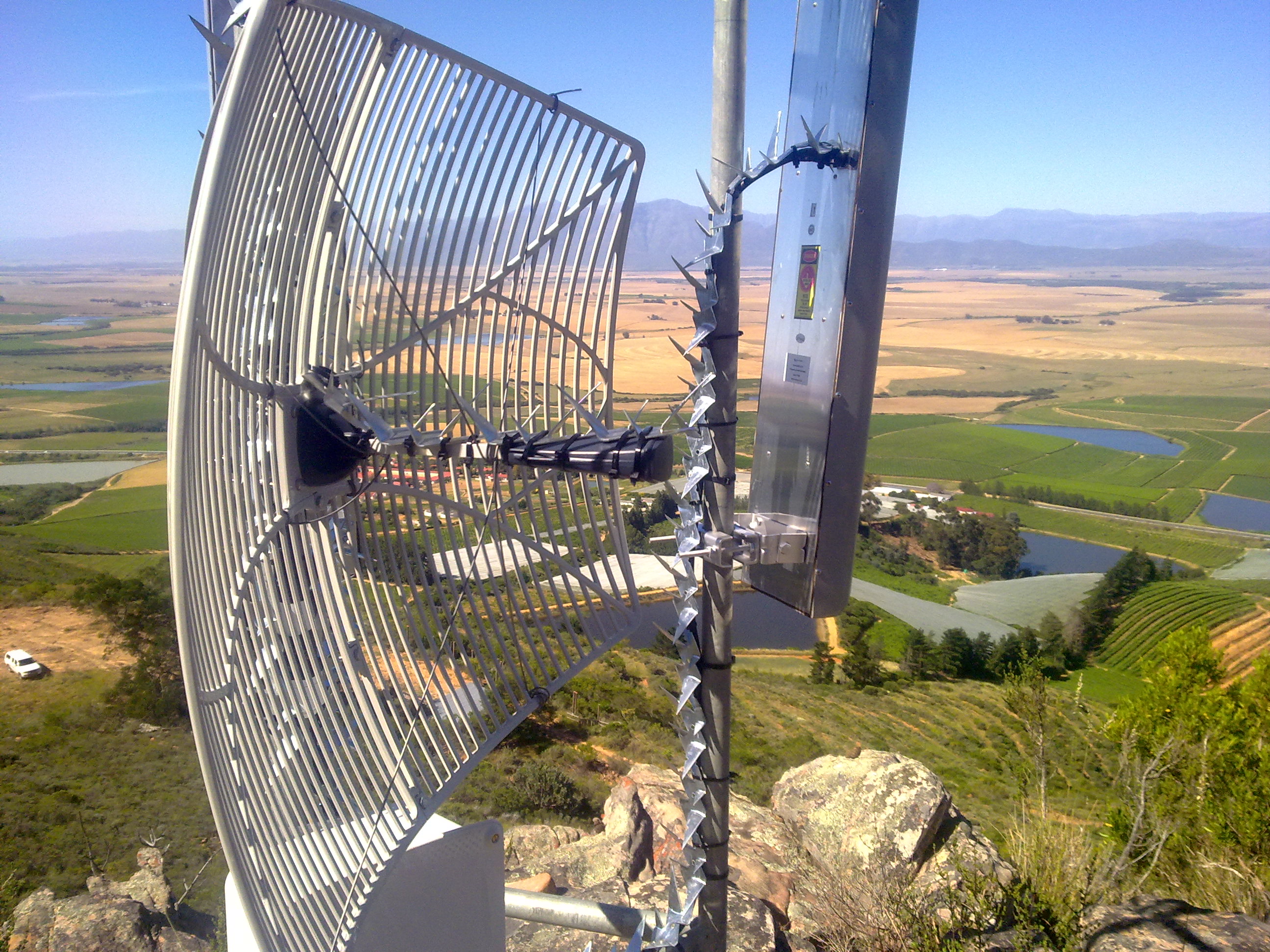

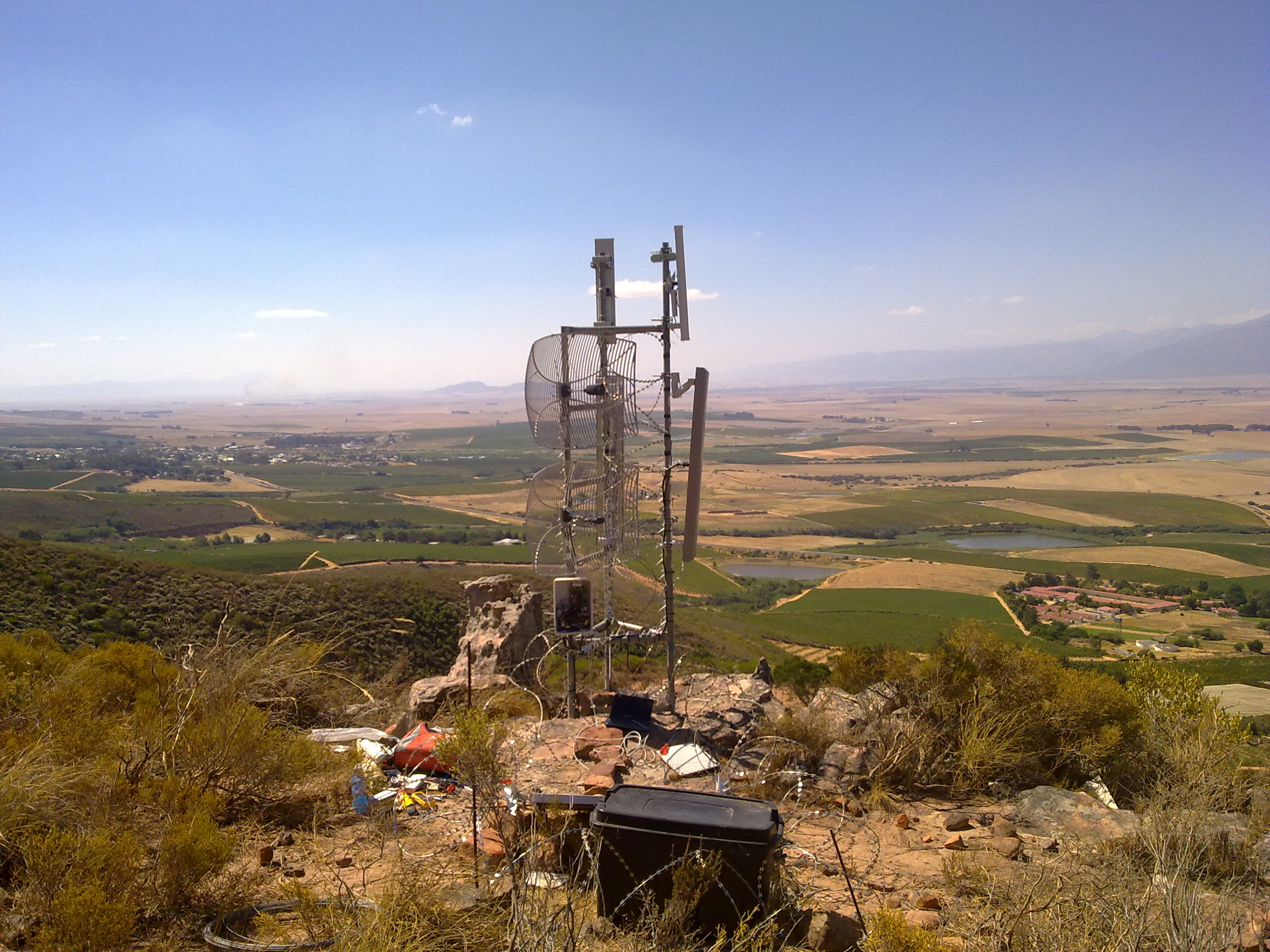
Razor wire and spikes! I should think this would do the trick for the curios passerby also…hehehe.
Thanks for sharing Wiehan!
Thanks to Andrew, this is old news…how he finds all this stuff I’ll never know 😉
EDIT, thanks for the proper link Normands!
It appears as if there is an official press release from Tilera talking about how the Mikrotik CCR is using their 36 core chips.
They confirm a couple of things:
What’s new in 5.19 (2012-Jul-16 10:51):
*) ssh – added /ip ssh regenerate-host-key which will regenerate current host key;
*) dhcpv6 client – fix multiple advertise handling;
*) snmp – fix v3 engineID discovery;
*) fix ticking sound on RB411UAHL;
*) user manager – fixed byte to KiB, MiB and GiB conversion
(digit after decimal point was incorectly calculated);
*) fix routerboard firmware upgrade on RB951-2n;
*) sniffer/torch + simple queues sometimes could crash router;
I do believe I remember seeing that if you were having any wacky RB2011 issues that this version should fix you up.
I found the CACLS command:
CACLS filename [/T] [/E] [/C] [/G user:perm] [/R user [...]]
               [/P user:perm [...]] [/D user [...]]
   filename      Displays ACLs.
   /T            Changes ACLs of specified files in
                 the current directory and all subdirectories.
   /E            Edit ACL instead of replacing it.
   /C            Continue on access denied errors.
   /G user:perm  Grant specified user access rights.
                 Perm can be: R  Read
                              W  Write
                              C  Change (write)
                              F  Full control
   /R user       Revoke specified user's access rights (only valid with /E).
   /P user:perm  Replace specified user's access rights.
                 Perm can be: N  None
                              R  Read
                              W  Write
                              C  Change (write)
                              F  Full control
   /D user       Deny specified user access.
Wildcards can be used to specify more that one file in a command.
You can specify more than one user in a command.

Abbreviations:
   CI - Container Inherit.
        The ACE will be inherited by directories.
   OI - Object Inherit.
        The ACE will be inherited by files.
   IO - Inherit Only.
The ACE does not apply to the current file/directory. |
I’ve found that using /E is necessary if you don’t want it to replace all current permissions. /E just “edits” the given permissions.

We have the whole crew on deck again.
We talk mostly about hardware in this one including:

Toughswitch

Ubiquiti mFi
My ramblings about mFi

Mikrotik RB2011LS-IN
My ramblings
Andrew digging up some hardware info on Mikrotik 10Gb
Google glass (Glasses we were talking about with skydivers)
SPIRAL CUT HOTDOOOOOOOOOGS!