

L2TP is a secure tunneling protocol that is great for road warriors. It can also be used for MTK to MTK tunnels, but here we are looking at desktop client connections.
L2TP tunnels traffic with IPSec encryption on top to keep your data secure. This is more secure than PPTP, though it is slightly more difficult to configure…there’s always a trade-off.
If the video below doesn’t load kindly click refresh 🙂
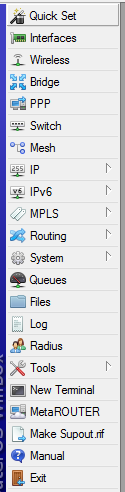
I seem to recall ancient versions of MTK had cute little icons in winbox…and it seems as of the late versions of 6 they have made a comeback 🙂 This is V6rc5
For some reason Mike gets a little nervous, but it ain’t no thang kid!

This is Justin and Greg just having a quick chat about nothing in particular…just the way I like it 😉
We talk a little about:
Elastix
MagicJack
CCRs
A little about the AU MUM...I need my ANDREWS!
BFD
MTK cable diagnostics

Unpainted longboard

Painted by the kiddos.
Click here to view the post!
BFD is a routing protocol independent fast failure detection method(subsecond detection is possible). It is basically a faster way to signal to your dynamic routing protocols({Cisco – OSPF, IS-IS, EIGRP, and BGP}{Mikrotik – OSPF and BGP}) that there has been a failure of a neighbor.
The Cisco link above has a very good description of how the whole process works, so I’m simply going to paraphrase here.
Configurations
Interval
This is the desired rate at which this router will send BFD packets to a neighbor.
min-rx(Mikrotik) or min_rx(Cisco)
This is the desire rate at which this router will receive BFD packets from a neighbor.
Note: The rate negotiated for send/receive doesn’t have to be the same. Whichever rate is slower will be used for each direction.
Multiplier
The number of consecutively missed BFD packets before BFD informs the associated protocol that there was a failure.
Cisco Configuration
Setting baseline BFD parameters via interface configuration mode:
1 | bfd interval milliseconds min_rx milliseconds multiplier multiplier-value |
If you are going to be connecting this Cisco router to a Mikrotik via BFD you must disable BFD echo mode on the Cisco:
1 | no bfd echo |
Now you must inform individual protocols that they are to use BFD:
To enable on all active EIGRP interfaces:
1 2 | router eigrp 111 bfd all-interfaces |
To enable on individual EIGRP interfaces:
1 2 | router eigrp 123 bfd interface Gig1/0 |
Mikrotik Configuration
Setting baseline BFD parameters for interfaces(Mikrotik defaults to already having 2MS timers with a multiplier of 5 configured for all interfaces):
1 2 | /routing bfd interface add disabled=no interface=ether1 interval=0.2s min-rx=0.2s multiplier=5 |
Now inform the routing protocol:
1 | /routing ospf interface add interface=ether1 use-bfd=yes |
or
1 | /routing bgp peer add remote-address=1.1.1.1 remote-as=1111 use-bfd=yes |
Troubleshooting/Verification
Cisco
Neighbor info including neighbor address, interface, protocol, negotiated timers, uptime, up/down, and number of state changes.
1 | show bfd neighbors [details] |
Debugging BFD:
1 | debug bfd packet [neighbor address] |
Debug state transitions:
1 | debug bfd event |
Mikrotik
This prints neighbor information including neighbor address, interface, protocol, negotiated timers, uptime, up/down, and number of state changes.
1 | /routing bfd neighbor print detail |
Logging BFD related messages:
1 2 | /system logging add topics=bfd |
So BFD is an interesting addition to routing that may make a large difference to you in certain situations. Having said that, I don’t actually run this in my infrastructure. Since I’m in an ISP environment I generally like OSPF’s speed which is at a moderate pace.
There are some instances where I can see the real value of this. Most of the BGP sessions I establish occur over some layer two medium. If there is a failure between the peering router and me, my router doesn’t know about it until it’s default timers run out. In BGP the default hello is 60 seconds and the default dead is 3 iterations which means it takes 3 minutes for my router to realize there is an issue and to tear down the session. When establishing the BGP session I usually attempt to keep as much default as possible, but this would allow you to put a little zip in the process.
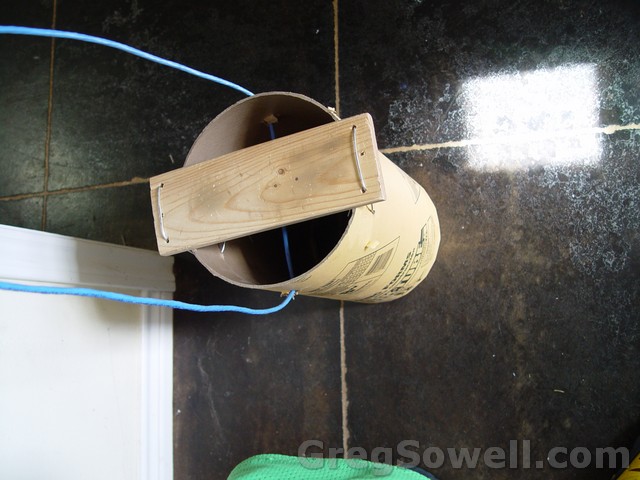
We used the remains of an 8 inch concrete form, a little 1X4 board, some electric fence wire, and some cat5 to make stilts. For the kids I used the boots off of some old roller skates and duct taped them to the boards. I think we have too much fun with trash!
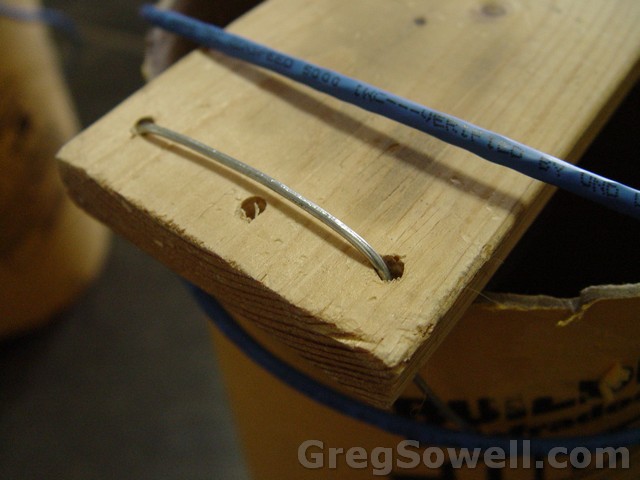
Wiring the end of the board to the tube.
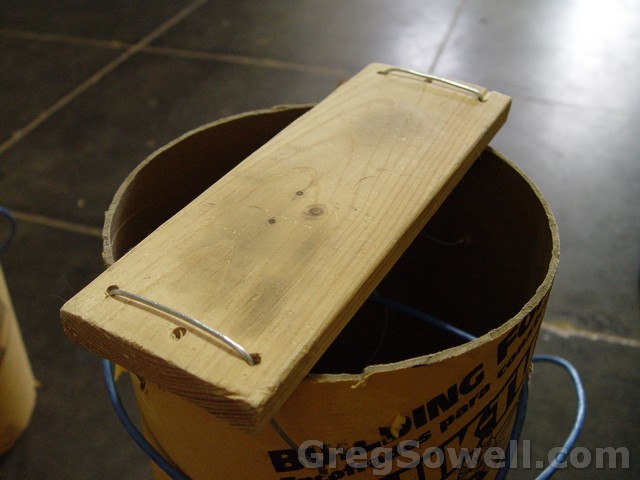
The whole board wired on.
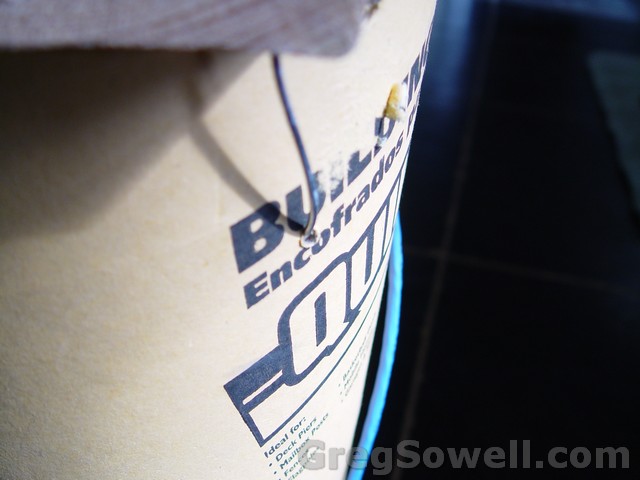
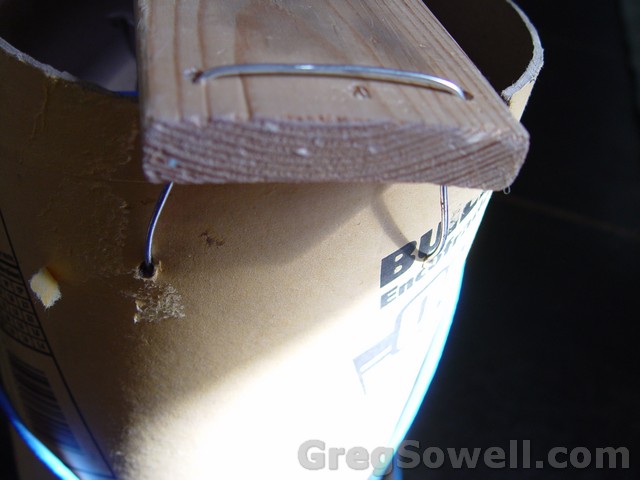
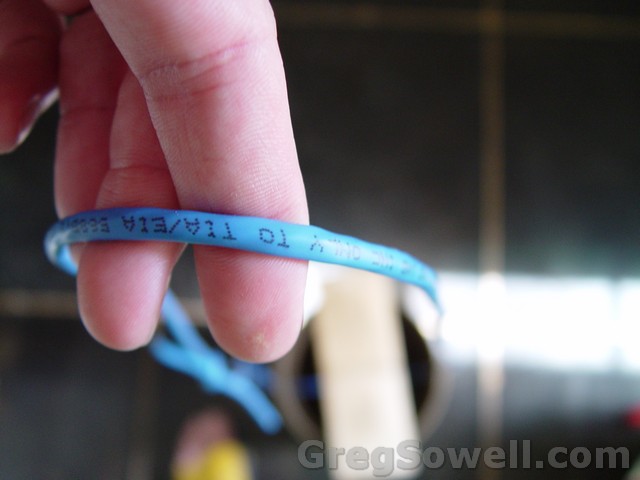
Hold the wire for additional stability…or to just plain keep’m on your feet.

Gavin on stilts
The black on his chin is sharpie…we were coloring balloons earlier…hehehe
The boss on the stilts
The prices are available and MAN…are they gooooooooood!!!!!!!
*Edit* Tom just let me know that they will be shipping end of November 2012…so end of this month.
CCR1016-12G

This model only has 16 cores instead of 36…hehehe. I say that like it’s a trifling thing. That still adds up to 19.2GHz…uhhhhh…YES PLEASE!
And the price is right around $645!!!!!!!!
CCR1036-12G-4S
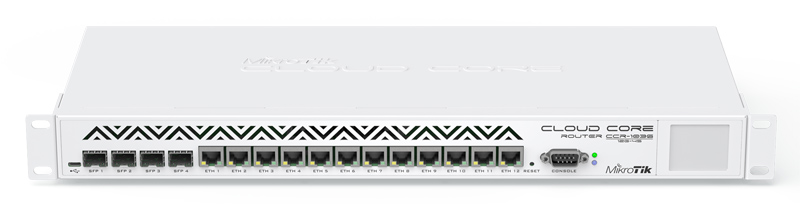
You get 1,000,000 cores and 5TB of RAM with 96GB ports and it only costs $995…You hearing me people…$995!!!!
I’m going to go ahead and say that anyone who was selling X86 boxes need to unload their inventory NOW. Once these babies are rocking and rolling I’ll be telling everyone to grab these instead of X86, which I used to push people towards.
Once the CCR that almost all SFP ports and the model that has 10Gb optics I think there will be zero reason to use anything else.
What say you fine fellows? I say MTK needs to send me a couple of review samples.
PS, thanks for the heads up Adam.