

If you have Cisco switches you may have noticed that there is a little plate covering something on the back. This something would be the RPS port. Cisco has a few devices, RPS’, used to backup your standard power. If the power supply in your switch malfunctions, the RPS will kick in and provide power.
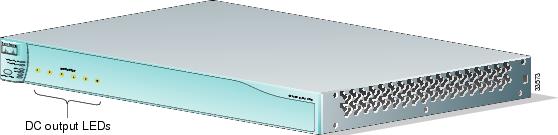
I’m going to talk about the RPS300 (PWR300-AC-RPS). This guy covers the majority of your older switch line:
There is very little functionality in these guys. There really is only a single button to put it into standby or active mode. If you want to plug or unplug an RPS cable to or from a switch, you have to put the RPS into standby mode. If you mash the button on the front the standby/active light will turn amber. You can then plug as much as you like. When you are done, hit the button again to go back to active mode. That’s pretty much it.

The RPS will only power a single device at a time. It is really only there to cover you in the event of a power supply failure. Another note is that if you simply bump the plug and switch to RPS and are ready to return, the switch will reload when it switches back to main power.
If you are dumping syslog messages from your switch, you can match and alert on the following messages:
Internal PSU goes bad:
1 | PLATFORM_ENV-1-PWR: Faulty internal power supply detected |
RPS goes bad:
1 | PLATFORM_ENV-1-PWR: Faulty redundant power supply detected |
This is fresh off the press from the Budapest MUM.
RB435G

This appears to be your all in one tower solution. The documentation says 4 sectors and one backbone, though I would think you could do ring completion with this unit. Two backbones, heading in either direction while running 3 120 degree sectors.
You could always do 2X2 N off of this guy if you so choose.
RB711-2Hn
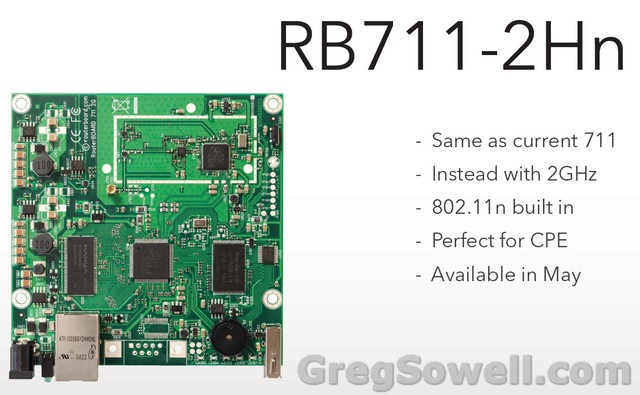
As dirty a word as 2GHz is, I’m glad to see these guys come through. I know the 5GHz 711 was well received…especially at the price point. I’m hoping the 2Hn will be equally as inexpensive.
RB750UP
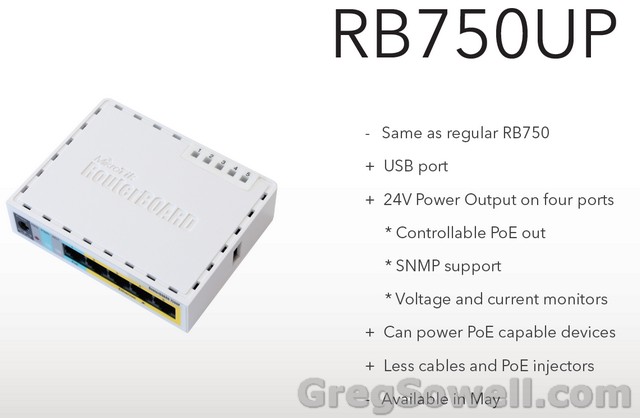
I’ve been having users configure their towers with 750 at the base and MTKs at the top. Now you can eliminate the PoE injector and run it straight off of the 750!!! This is a brilliant move. I wish they would have done this with the 750G also. With the 750G’s processor you would have been able to handle just about anything, not that the 750 won’t handle most every situation just fine. Another downside to this is that the PoE is only 24V and is not user selectable as far as I can tell, though it does say controllable PoE out. I don’t know if this means PoE off or on or can you adjust the voltage(with on or off you have remote reboot capabilities on your towers!). I also LOVE the fact that you can monitor the voltage and current via SNMP. A very shrewd move on Mikrotik’s part!
RB751-2n
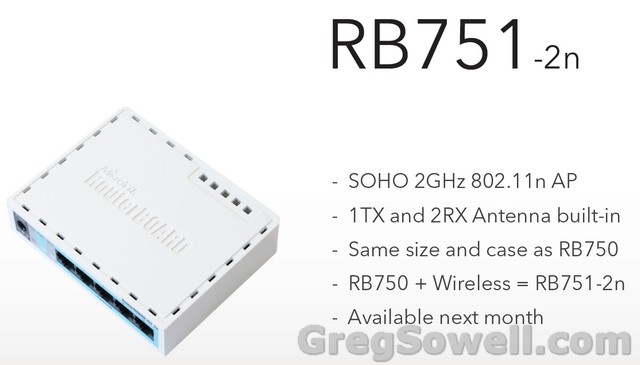
Again, my cup over flowith! 750 form factor with built in wireless card. If the price point is low enough on these guys, I’ll keep a stack in my car to sell to users when I do installs. These would probably make good omni CPEs in close applications.
RB751U and RB751G
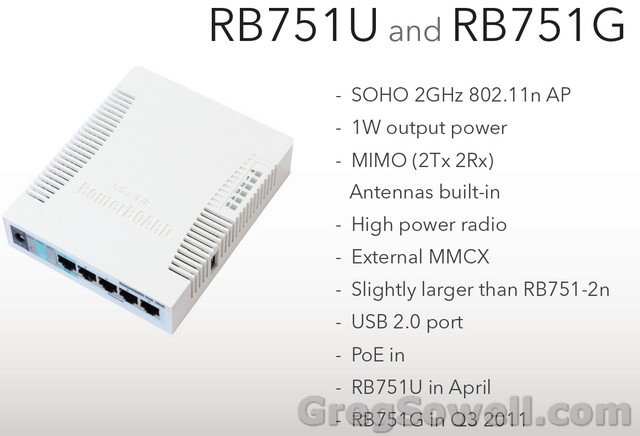
This is about double the depth of a standard 750, otherwise it is the same size. This guy is rocking MIMO N 2X2. It also has an external MMCX connector for additional antenna connectivity. From what I understand it is a shared connector. This thing has 1W of output power. Let me say that again…1W…not very SOHO if you ask me 😉 They were also kind enough to include the USB port on the side. I can see using this in a high throughput office application.
RB1100AHx2
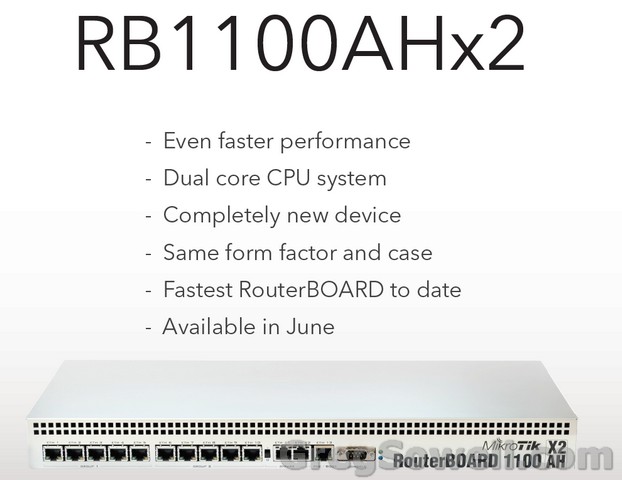
This is the big daddy version of the 1100AH. The dual core CPU is a WELCOME addition. It is about time they have moved into the high performance community. It looks like we still have the split switching ASICs, which is too bad. This guy should do well as a PPPoE aggrigator or super kung-fu QoS box.
RB1200
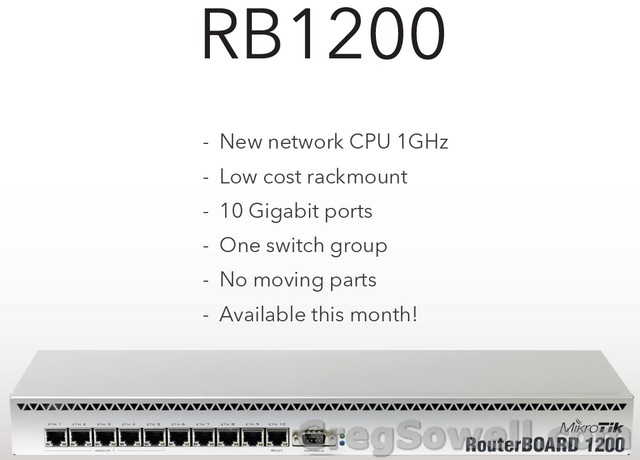
This one is something of a mystery to me. It doesn’t appear to have as much kick as the 1100AHx2, but it has one set of switching ASICs. I’m not sure where this fits in. Though, it may have more throughput to the backplane…who knows until they release the specs.
RB2011
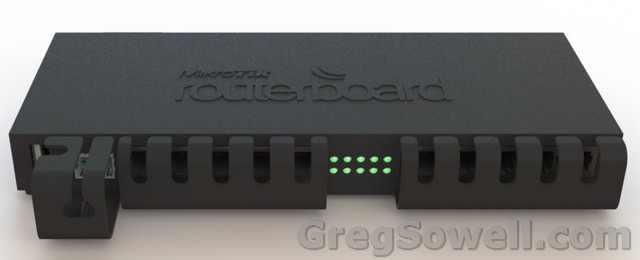
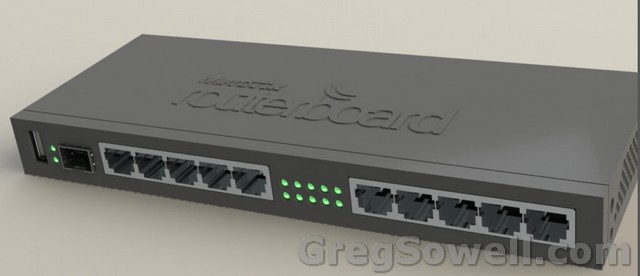
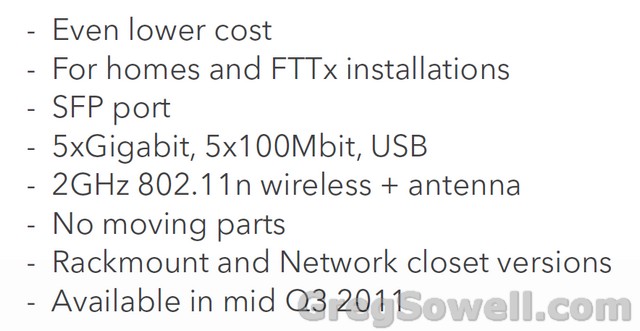
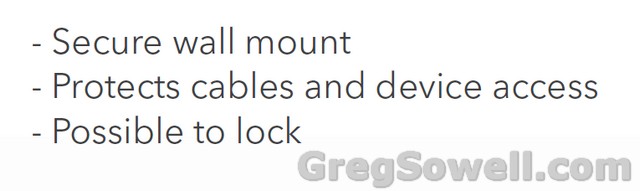
This is Mikrotik getting serious. This is a metro ethernet switch if I have ever seen one. This is exciting! Comon people! One SFP port, 5 gigs and 5 100Mb ports. Industrial design. This is the hardware MPLS/VPLS was made for. Not only this, but it still maintains the USB for backup connectivity and a 2Ghz wireless card. The kitchen sink attachment will be out in the fall. I am on pins and needles to see the price point on this guy. I would not hesitate for a second to drop this off in a customer space. If this board were any badder, it would walk up and slap you in the face. I hope that it has an 800+MHz processor. Not that it necessarily needs it, but I would like to see it.
Groove
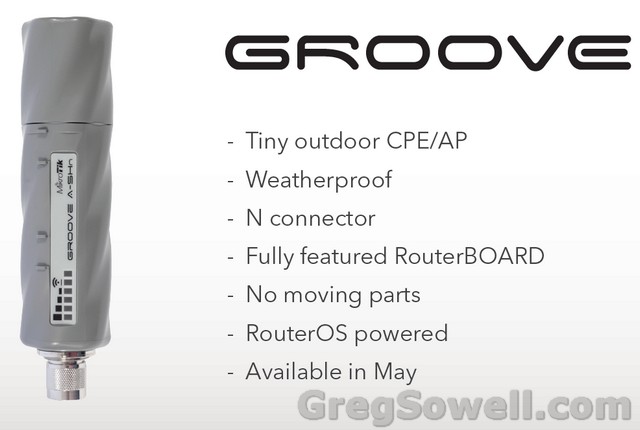
What can I say about the groove. No one will argue that this isn’t the direct answer to the bullet. Same form factor and same look. I’m interested to see what the minimal design will do for them. It seems like this would be good for distance CPE shots.
Omnitik
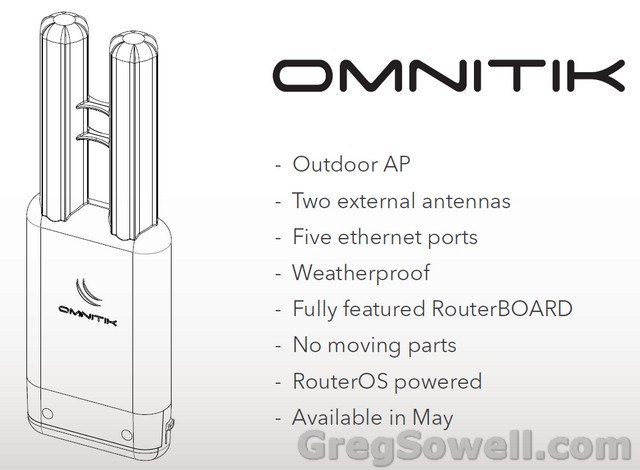
The Omnitik looks like it will be a good outdoor access solutions…golf courses and the like. It looks like an upside down popcicle…the kind where you have to break it apart…hehe. Hopefully it comes in orange flavor.
Summary
I’m excited about Mikrotik hardware. This is the first time I’ve been able to say this in about 1.5-2 years. With Nv2 and this plethora of new product, they are going to hoard market share like a fat kid in a twinkie factory. I’m excited for the RB751-2n…I hope they have it priced right. I’m excited about the RB2011, this looks like an earnest attempt at the telco last mile market. I would have liked to see them add the SFP ports to the RB1200 and the RB1100AHx2. I really just need to see product sheets and street pricing. Next step will be to get my hands on some of the gear.
Very good time to be in networking. What are you guys most interested in?
By default hotspot will proxy all traffic, even that of authenticated users. This will slow authenticated user traffic as well as make the CPU work harder on your router. To bypass this behavior you can use the following NAT rule:
1 2 | /ip nat firewall add chain=pre-hotspot dst-address=!local hotspot=auth action=accept |
“local” should be set to your local subnet. Be sure to drag this rule to the top.
Thanks to Felix (AKA fewi). If you guys were at the US MUM in Phoenix, you would have gotten an ear full. I’m still not sure why his presentation didn’t make it to tiktube.
Whenever I need to terminate a T1, I’ll usually use a Cisco 2600. A 2610 with a T1 interface can be had for $60. I install these along with a mikrotik pretty regularly, so I thought it would be fun to rig the two together.
I decided to just mock up a face plate, though if you were so inclined I’m sure you could do it legitimately.
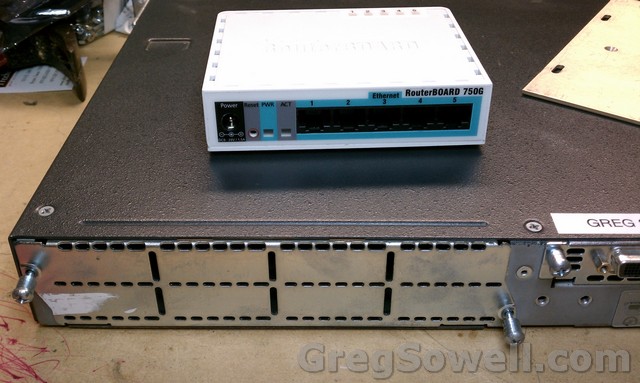
Match made in China
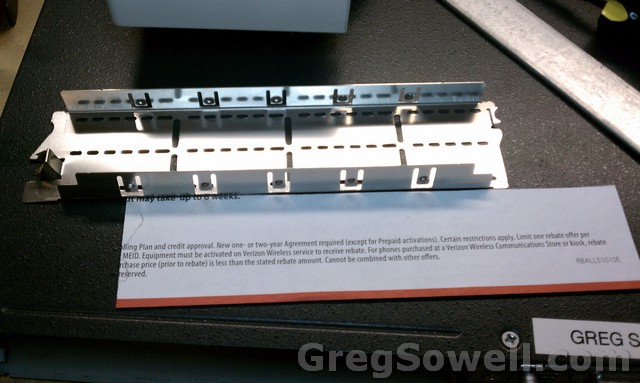
Make a paper template
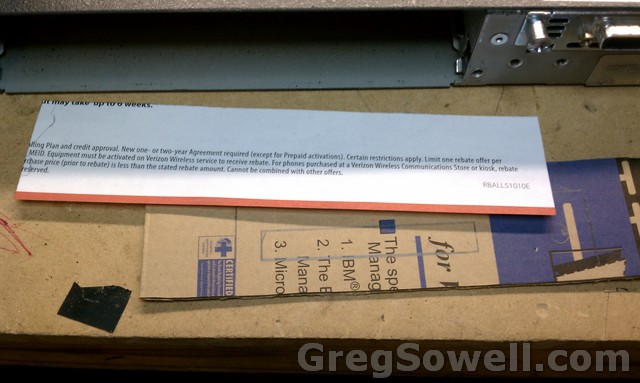
Transfer that to cardboard
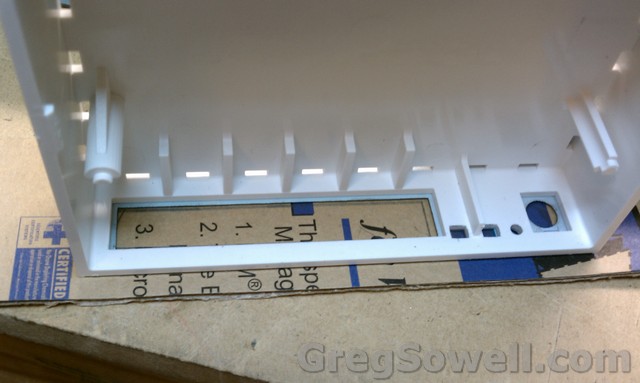
Trace on our holes
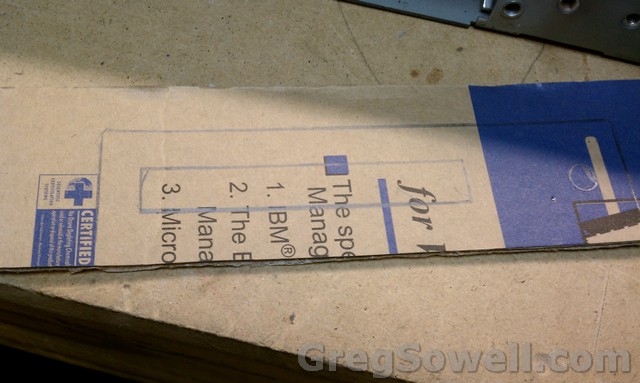
It's like magic
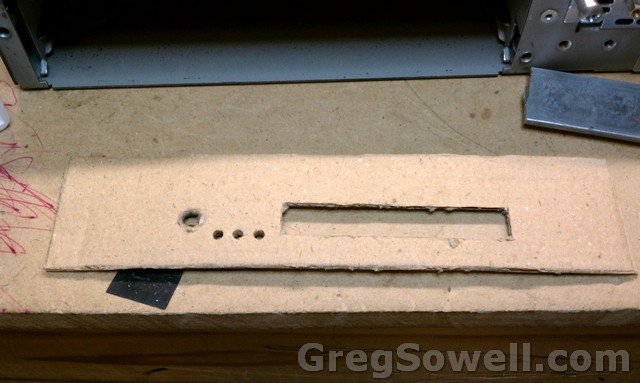
I cut the holes out all by myself!
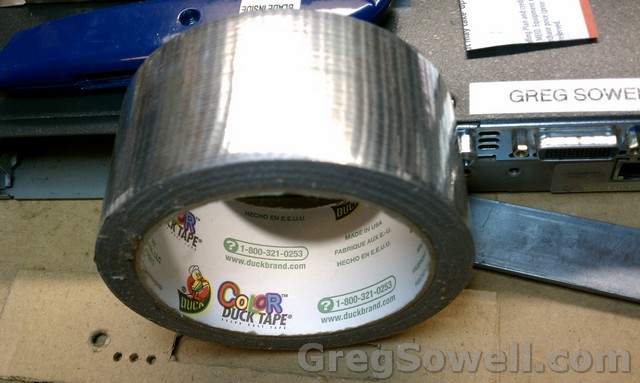
Oh so shiny
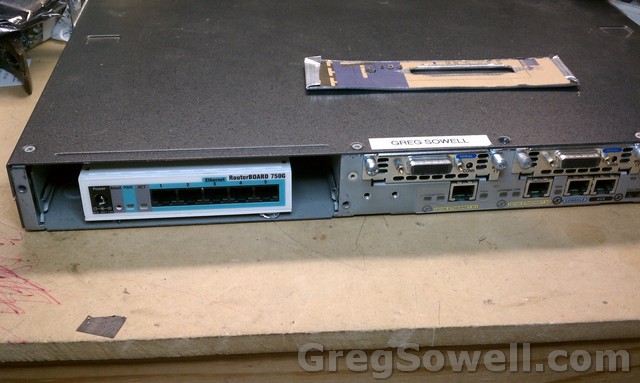
Like a glove
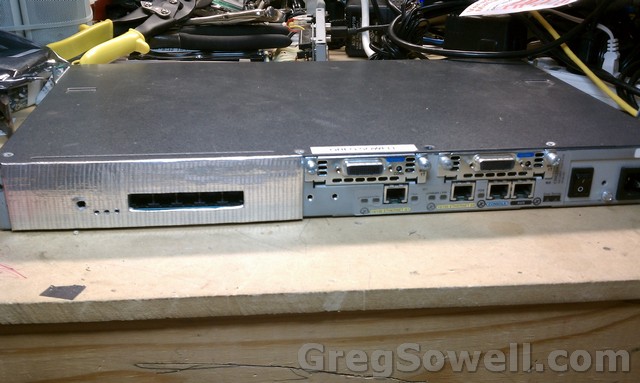
Looks like a Cisco module...WoW!
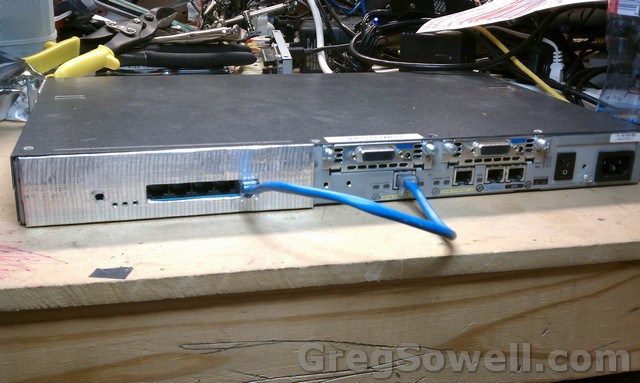
You are so money, and you don't even know it!
As you can see from above, you can’t actually sell a 2600 router with cardboard and duct tape on it. I was really trying to use it as a proof of concept to see if it would even be worth messing with. I do think it looks kinda cool, but not cool enough to bother with 😉 Plus, if I don’t rig something every month or two, I’ll most likely go insane.
*) fixed occasional print command stalling when lots of items;
*) fixed RB1100 ether11,12,13 and RB800 ether3 resetting problem;
I’ve heard multiple reports of this now. RB1100 ports 11-13 not functioning properly. I’m glad to see there was a software resolution.
*) implemented usb power-reset command on RB SXT 5HnD;
*) wireless-nv2 package now includes the same fixes as RouterOS v5rc11;
Notice they mention V5rc11, but it hasn’t been released yet 😉
To run updates on your ESXI4.1 server you no longer get the nice little GUI. You now have to do your updates via the CLI. You can see the link here on how to do it or use the below syntax:
1 | # esxupdate -b cross_oem-vmware-esx-drivers-net-vxge_400.2.0.28.21239-1OEM.vib -b cross_oem-vmware-esx-drivers-scsi-3w-9xxx_400.2.26.08.036vm40-1OEM.vib -b vmware-esx-firmware-4.1.0-1.4.348481.i386.vib -b vmware-esx-tools-light-4.1.0-1.4.348481.i386.vib update |