

I have test emails send daily, but what I failed to test was my syslog server. Now that I’ve had it brick on me, I’m now doing daily test syslog messages.
I use this PHP script. If you can’t happen to pull it from that site, here’s the file to download: syslog.zip (1397 downloads) .
I then use this simple PHP script to send the message:
1 2 3 4 5 | <?php
require_once('/root/syslog-check/syslog.php');
$syslog = new Syslog();
$syslog->Send('1.1.1.1', 'syslog test message');
?> |
I then have this setup to run as a cron job on my cacti server:
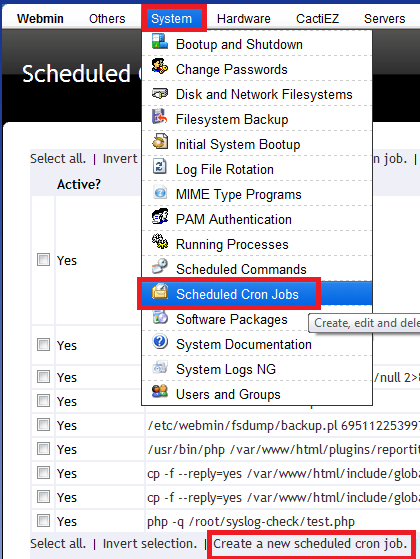
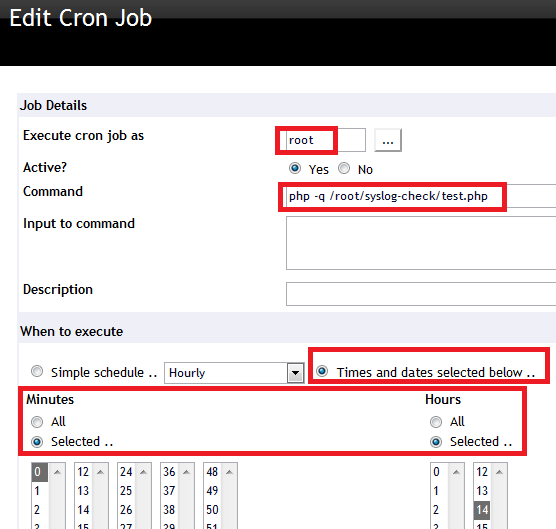
Last, I setup a match script in cacti’s syslog to match “syslog test message”. Simple enough 🙂
If you are just now enabling SSH and you get the following error message:
1 | SSH session from XXX.XXX.XXX.XXX on interface Outside for user "" disconnected by SSH server, reason "Internal error" (0x00) |
It looks like you need to generate an RSA key for SSH:
1 | crypto key generate rsa modulus 1024 |
If you have redundant processors, why not take advantage of it. You can upgrade the IOS on the redundant processor, fail over to it, then do the same to the primary. In theory you will see no outtage.
In the Atheros AR5212 and newer chipsets there is a new feature called Adaptive Noise Immunity. It is basically a hardware noise reduction technology.
Adaptive Noise Immunity (ANI) adjusts various receiver parameters dynamically to minimize interference and noise effect on the signal quality.
I’ve got some 2.4 gear in a noisy neighbor hood and I was just sick to death of the interference. I’ve been tweaking and tweaking when I saw the ANI setting. I figured I would give it a swing and set it to client mode…seconds later when the client reconnected my CCQ went from 12% to 80% and my throughput went up by a factor of about 15!
CLI
1 | /interface wireless set 0 adaptive-noise-immunity=ap-and-client-mode | client-mode | none |
Winbox
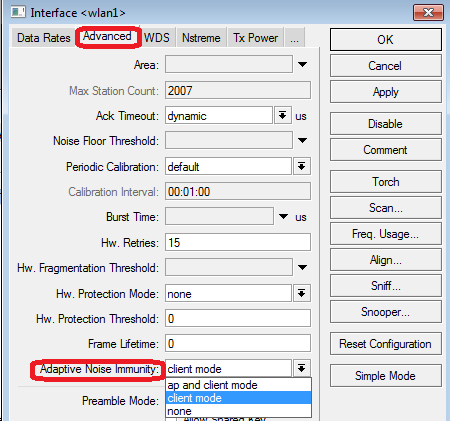
**Be sure you are in "advanced mode" while in winbox**
Modes:
AP and client = Will adjust if acting as AP or client
Client = Will adjust only if acting as client
None = Disabled
Here is Atheros’ patent doc on the technology.
Mikrotik officially says that Nv2 inter operates with ANI.
I would say that if you have some noisy areas, then give this a swing and see if you get an improvement.
What’s new in 5.6 (2011-Aug-02 14:45):
*) fixed ssh server crashing when sessions were interrupted
*) ipsec – fix a problem which could silently remove a manual policy
from the kernel if the peer configuration has ‘generate-policy’ set to ‘yes’
and if the policy matches with the traffic selector of a SA being removed
on the responder side, also fix a problem that some generated policies
may stay in kernel after relevant SA was removed;
*) profiler – correctly show idle task on RB1200;
*) webfig – fix dual nstreme interface setting lists;
*) webfig – fix Wireless Access/Connect List editing;
*) webfig – fix bitrate presentation in simple queues (show 1.5M as 1500k);
*) fixed micro-sd access on RB400 not to stop everything else;
*) sstp – when server certificate verification is enabled for sstp client,
it will additionally compare IP addresses found in certificate’s
subjectAltName and subject CN to the real address, DNS names are ignored;
*) tftp – optional block counter roll-over support;
*) hotspot – fixed possible crash in case of multiple Radius CoA requests;
*) userman – speedup user deletion with big log size,
note that first userman startup after this update
may take few minutes if the log size is in hundreds of MB;
*) mpls – added support for enabling/disabling control word usage for
BGP based VPLS tunnels (both – Cisco and RFC 4761 based);
*) mpls – added support for auto-discovery of VPLS NLRI encoding method
for Cisco BGP based VPLS tunnels;
*) winbox – sometimes after disconnecting, winbox could not connect back;
*) bgp – allow parallel operation of RFC4761 “l2vpn” and
draft-ietf-l2vpn-signaling “l2vpn-cisco” BGP VPLS variants inside
single peering session.
*) console – “:resolve” command now returns IPv6 address for domain names
that have only IPv6 address records;
*) snmp – provide ups alarms for bad or low battery or for ups overload;
*) route – fixed SNMP getnext queries, were failing to find next
prefix in the OID order;
If you notice that your alerts stop coming in from syslog or notice that your syslog isn’t showing any results, then check to make sure the syslog-ng service is running.
1 | service syslog-ng status |
If it is running, then try restarting it.
1 | service syslog-ng restart |
If you are having the same issues I have, then you will see the following
1 2 | [root@cacti ~]# service syslog-ng start ERROR 1062 (23000) at line 1: Duplicate entry '4294967295' for key 1 |
The incoming table has some kind of key issue…and it looks like the table has maxed out. Lets simply reset it.
From the CLI, do the following:
Enter mysql and clear the syslog incoming table:
1 2 3 | mysql use syslog delete from syslog_incoming; |
Now I reset the auto increment value:
1 2 3 | mysql> alter table syslog_incoming AUTO_INCREMENT=1; Query OK, 0 rows affected (0.00 sec) Records: 0 Duplicates: 0 Warnings: 0 |
Then try starting the service:
1 2 | [root@cacti ~]# service syslog-ng start Starting system logger: [ OK ] |
Last week was an endurance run. It was days and days of persistent work. My ISP was somewhat delayed in getting my circuit up so I had a handful of hours to get everything complete…I do my best work under pressure 😉
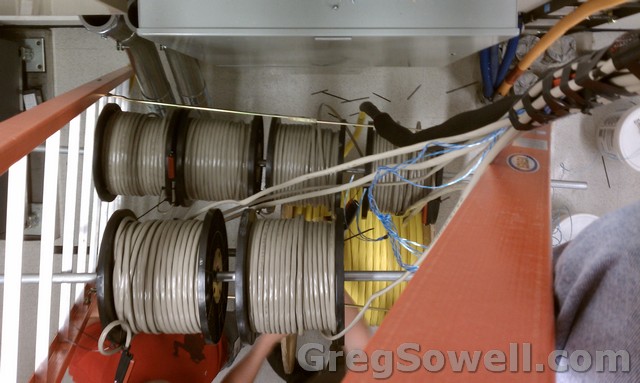
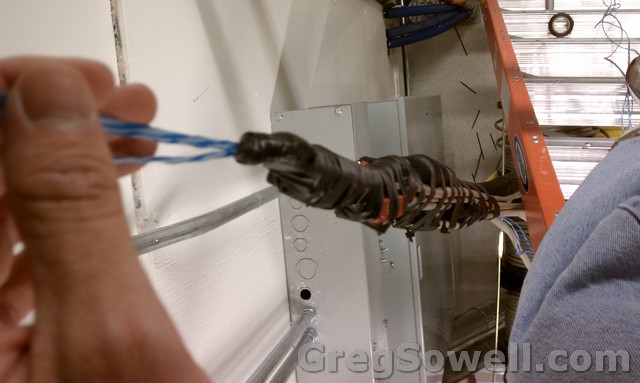
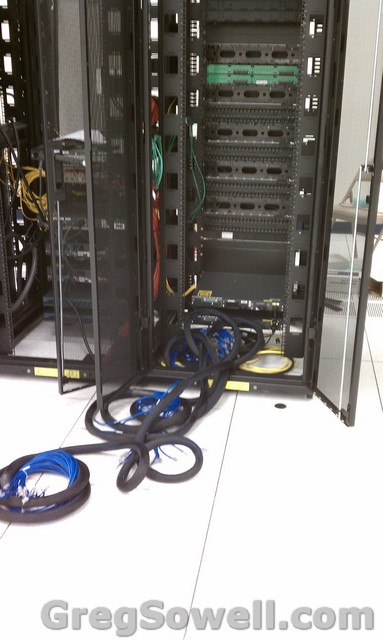
I believe you guys remember seeing my preterm cable…here’s my patented spool rest in action:
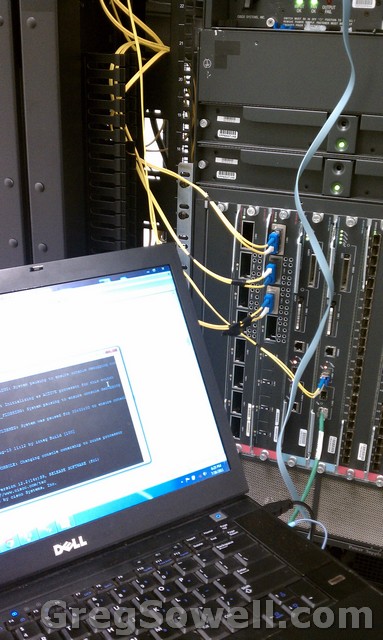
Here’s me around midnight…hehe:
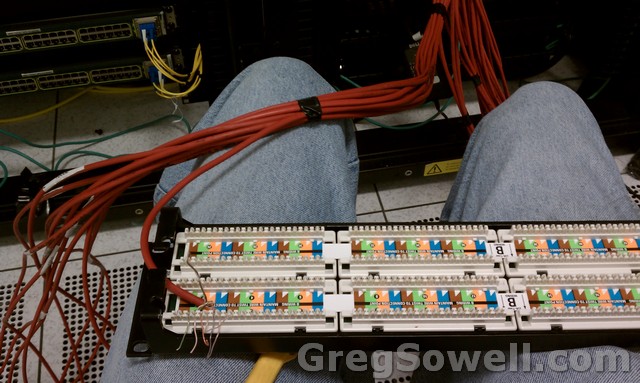
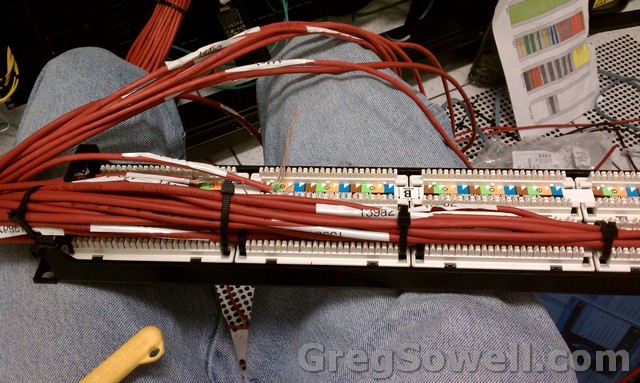
I hate terminating patch panels, but when you have to have it done by morning, you do it anyway. I don’t want to hear any of you complain about how ugly it is. This was about 11 at night:
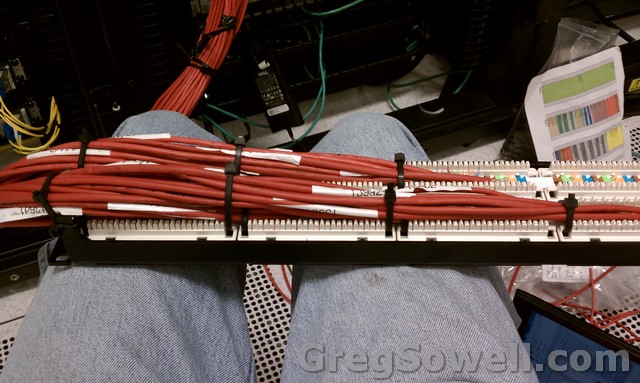
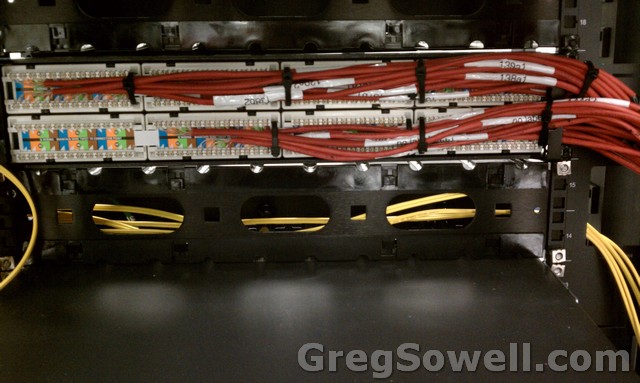
Here’s Stephen looking tough:

Here’s a better shot of him…hehehehehe

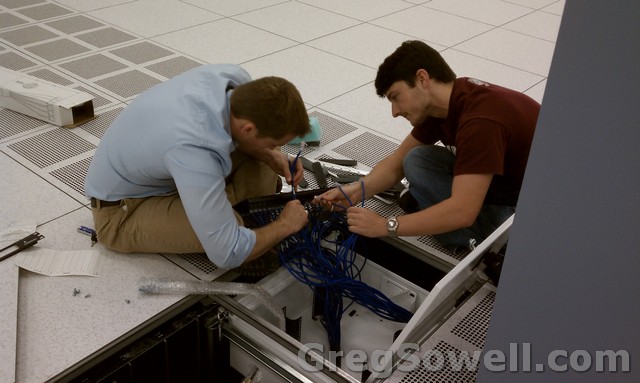
Here’s Jacob and Matt knocking out the preterm copper and fiber into one of the zone boxes:
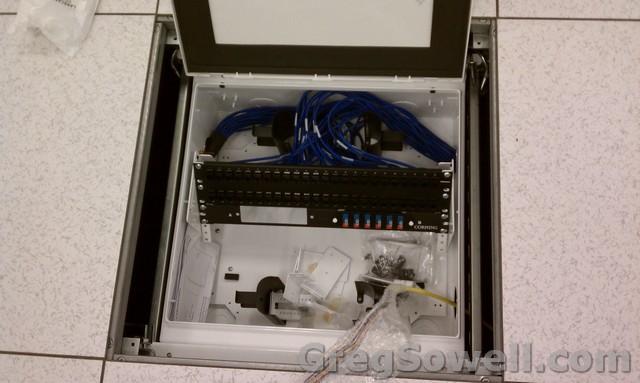
Here’s one of the loaded zone boxes. Copper on top and fiber on bottom:
Here’s the copper preterm trunks before we plugged them into the panels:
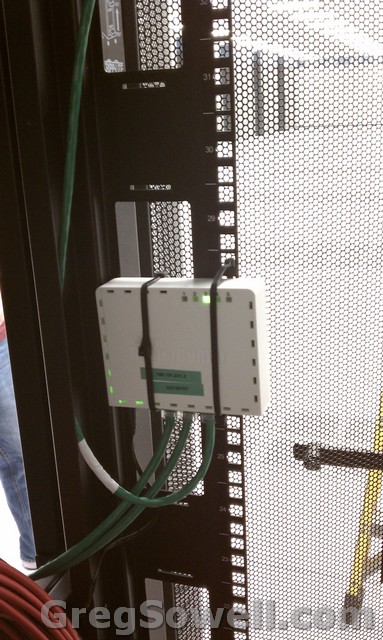
Here’s my Mikrotik hotspot. The easiest place to mount it was to ziptie it to the back of the cabinet:
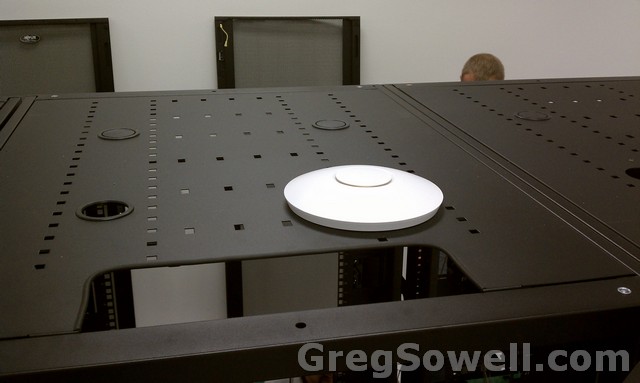
Here’s one of my Unifi APs mounted on top of the cabinet…looks pretty clean:
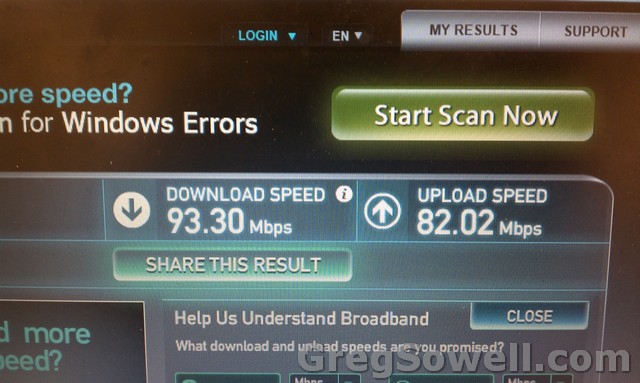
Here’s a quick speed test I did off of a 100Mb port:
Here’s my favorite picture…it can’t be all work 😛

Once this baby has a bow on it, I’ll snap a few more shots.