I really like having little bite sized demos, though some argue telling a big story works best…I suppose a mix of the two is likely the real solution.
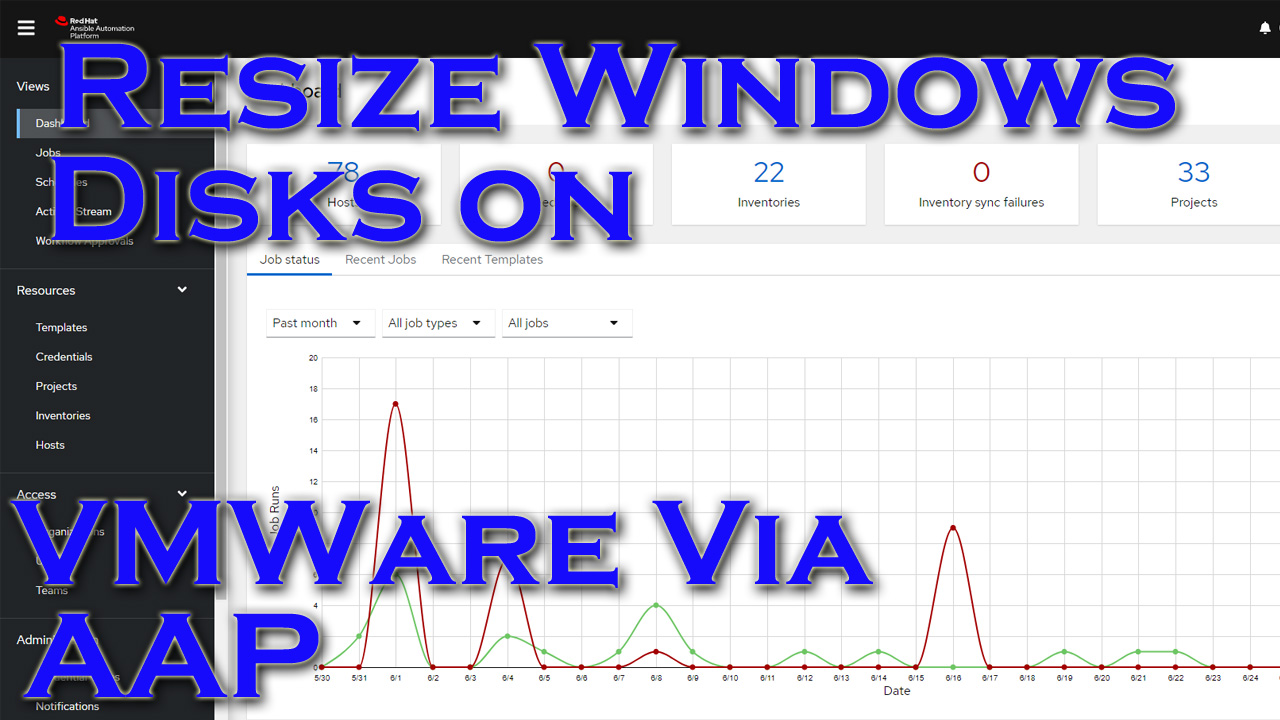
This demo shows the Ansible Automation Platform(AAP) connecting to VMware Vcenter to expand a disk on a windows host. AAP then connects to the disk and expands the disk in windows itself.
Video Demo
Playbooks
You can find the playbook in question here.
I’ll breakdown some of its parts here:
1 2 3 4 5 6 7 8 9 10 11 12 13 14 15 16 17 18 19 20 21 22 23 24 25 26 27 28 29 30 31 32 33 34 35 36 37 38 39 40 41 42 43 44 45 | tasks:
- name: Connect to VMWare and shutdown guest
community.vmware.vmware_guest:
hostname: "{{ vcenter_hostname }}"
username: "{{ vcenter_username }}"
password: "{{ vcenter_password }}"
datacenter: "{{ datacenter_name }}"
validate_certs: no
name: "{{ inventory_hostname }}"
state: shutdownguest
delegate_to: localhost
failed_when: vm_shutdown.instance.hw_power_status != 'poweredOff' and vm_shutdown.changed == false
register: vm_shutdown
- name: Wait 15 seconds
ansible.builtin.pause:
seconds: 15
- name: Connect to VMWare and resize disk on VM
community.vmware.vmware_guest_disk:
hostname: "{{ vcenter_hostname }}"
username: "{{ vcenter_username }}"
password: "{{ vcenter_password }}"
datacenter: "{{ datacenter_name }}"
validate_certs: no
name: "{{ inventory_hostname }}"
disk:
- size_mb: 2000
state: present
unit_number: 1
scsi_controller: 0
scsi_type: 'lsilogicsas'
delegate_to: localhost
register: disk_facts
- name: Connect to VMWare and boot up guest
community.vmware.vmware_guest:
hostname: "{{ vcenter_hostname }}"
username: "{{ vcenter_username }}"
password: "{{ vcenter_password }}"
datacenter: "{{ datacenter_name }}"
validate_certs: no
name: "{{ inventory_hostname }}"
state: poweredon
delegate_to: localhost |
Most of the work in the above is done via the vmware_guest modules from the vmware collection.
I first shutdown the guest.
I then do the resize on the disk in question. Something I learned is that, while optional, the scsi_type parameter needs to be specified. It will assume a default(likely other than is already set), and then your VM guest likely won’t boot!
After the resize is done, I boot the guest back up.
1 2 3 4 5 6 7 8 9 10 11 12 13 | - name: Wait 300 seconds, but only start checking after 15 seconds
wait_for_connection:
delay: 15
timeout: 300
- name: Connect to windows host and expand the drive
ansible.windows.win_powershell:
script: |
# Variable specifying the drive you want to extend
$drive_letter = "E"
# Script to get the partition sizes and then resize the volume
$size = (Get-PartitionSupportedSize -DriveLetter $drive_letter)
Resize-Partition -DriveLetter $drive_letter -Size $size.SizeMax |
The last little bit is pretty straight forward.
I first use the wait for connection module to repeatedly test until the guest is booted back up and ready to be connected to.
I next use the win_powershell module to tell the drive to expand using the newly adjusted vmware disk size. Note that I could have used an ansible module, but at the time of creation I was trying to demonstrate how to use powershell scripts directly.
Conclusion
While this isn’t revolutionary, it is very convenient. I can imagine monitoring my server infrastructure for disk utilization. When I violate a certain threshold my monitoring system will call the AAP API and pass over the name of the host, and the offending drive. AAP can then automatically connect to the server and resize the disk, then create a ticket or send an email. This feels pretty powerful to me!
As always, if you have any questions or comments I’d love to hear them.
Thanks and happy automating!
This week we have Tommy, John Osman, Greg Lipschitz, Jeremy Austin and Dan Siemon to talk about Preseem as our new sponsor
**Sponsors**
Sonar.Software
Towercoverage.com
Preseem.com
**/Sponsors**
This week we talk about:
0:00:59 Introduction
0:05:30 Preseem elevator pitch
0:09:16 Tommy’s Story with Preseem
0:12:28 What is QOE?
0:15:35 Onboarding Time and what Preseem boxed look like (Hardware requirements)
0:19:50 Question “How many queues can you handle?”
0:22:40 CGNAT?
0:25:04 QOS is Bunk!
0:28:59 Is Preseem afraid of the availability of FQ_Codel/Cake in commodity (Mikrotik) hardware?
0:32:40 Is Preseem only for Wireless? What about other Tech? (DSL, Fiber, Cable, PTMP technologies)
0:34:29 The value of Preseem, our access networks need improvement. Why Preseem
0:50:30 Does not replace actually having sufficient bandwidth! But can help.
0:53:41 The classical solution of throwing bandwidth at all of the problems doesn’t help either.
0:57:40 Where does Preseem+ fit in?
0:59:48 What about when you have multiple ingress/egress paths? (diverse upstreams in your network)
1:04:30 What about when the Preseem box fails?
1:06:30 Is Docker an option?
1:08:50 What about integration with other platforms? (Billing software)
1:10:30 Can I just get Preseem+?
1:12:05 IPv6 support?
1:16:10 Multi-Queueing?
1:20:56 Transport Technologies beyond IPv4 and IPv6? (VLAN, VXLAN, MPLS)
1:20:20 Why the WISP Market and what’s the future look like for other technologies?
1:28:40 Goal is improving customer’s experience. (both you and your customer’s)
1:32:00 How to get ahold of Preseem.
1:36:45 How to get ahold of Greg
1:38:07 How to get ahold of John
https://www.youtube.com/c/Preseem
John’s site: https://www.miscreantsinaction.com/
This week we have Tommy and Jon
**Sponsors**
Sonar.Software
Towercoverage.com
**/Sponsors**
This week we talk about:
Ubiquiti 60 GHz gear announcements, various 60 GHz gear and a cool teardown video, AF60 and AF60LR are Class A Radios Use Caution when placing them!
1 Petabit per second per strand of Fiber
Ubiquiti Edgeswitch s16 Issues and Switch/Power Discussion.
Mikrotik ROS V7.3 RC1 & 2 and Comments on Cake Queues
Flat network woes and recommendations for avoiding annoying things 1:19:00 TCP Windowing issue?
Mimosa Announcements
Subscription Models and how unpopular they are.
Tom Smith BGP on BSD, X86 Routers
Relevant Links
https://www.youtube.com/watch?v=KxC5R…
https://www.youtube.com/watch?v=JI9fv…
https://newatlas.com/telecommunicatio…
Fiber Store’s Mux ponder https://www.fs.com/products/148739.html
https://www.businesswire.com/news/hom…
Tom Smith did a presentation at BSDCan about BGP on BSD https://www.bsdcan.org/events/bsdcan_…
Here’s the video:(if you don’t see it, hit refresh)