Latest posts
-

Mikrotik Change Log 4.3
Here it is. Highlights include: API fixes Slew of BGP updates Ospf updates *) firewall – added ‘routing-table’ matcher; An additional firewall match of routing-table. I’ve only done some secondary route table manipulation, but now here’s some additional functionality for us.
-

Class Video – Mikrotik Basics
This is a 45 minute video that will walk you through configuring a Mikrotik for a standard network: ip addressing, routing, dhcp server/client, DNS, basic wireless and bridging. It also covers some of the basic services and tools. The slides can be found here -> . I cover disabling ip services in my security class…
-
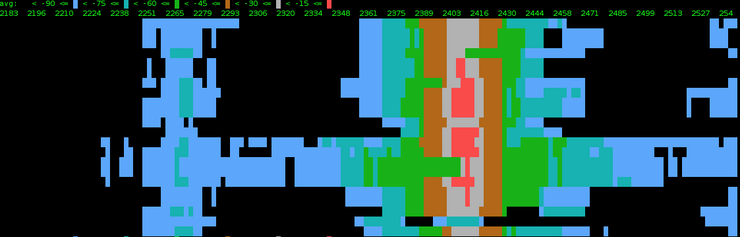
Mikrotik Spectral Scanner
It looks like Mikrotik is adding some cool new features into V4. This is a good start and I hope this matures into a nice feature. It looks like this scanner will pick up interference from any device, be it wireless phone or microwave. This feature will be around in version 4.3, which has just…
-

Mikrotik RB800
If you do a little digging, you will find the RB800, which is set to release in a few weeks. This is a 800MHZ board which makes it the most powerful wireless board to date! It seems like on most tower installations, you are bridging at the radio and routing at the base of the…
-
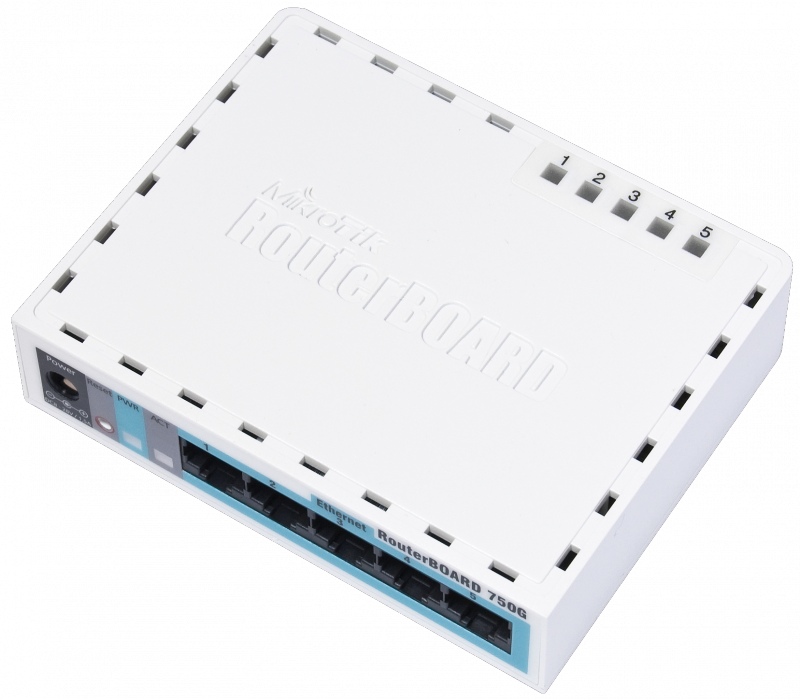
Mikrotik RB750G – Dirt Cheap Gig
Though this new router looks just like the standard RB750, it’s actually the all new RB750G. This guy has the switch chip that allows you to do “line rate” switching between switch enabled ports. They’ve also beefed up the processor to 680Mhz…WHAT! The ram is still only at 32MB, which is unfortunate…you won’t be holding…
-

Class Video – Intro to Networking
This is a CCNA style class that is vendor independent…ish…it’s really a free CCNA Training Video. I focus on Cisco and Mikrotik. The video is about an hour and 45 minutes. The slides are here -> This class was taught to a group of guys I am quite familiar with, so the style is pretty…
-
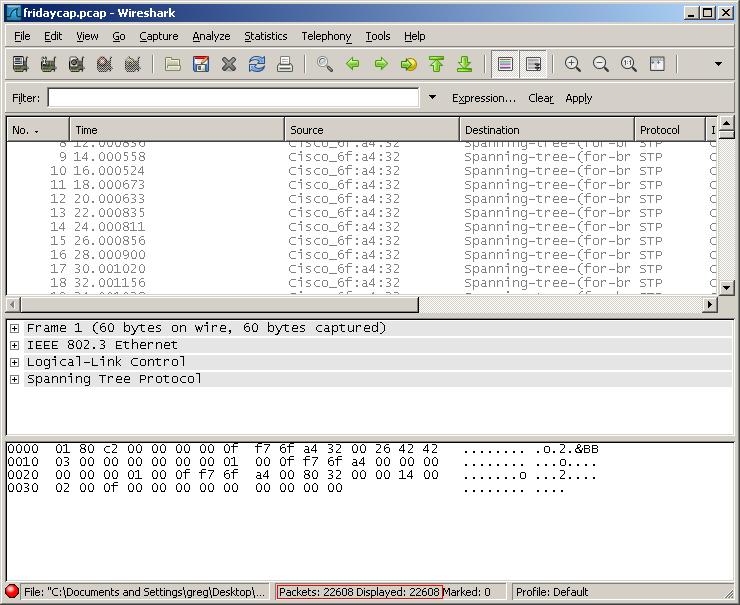
Quick Filtering in Wireshark
After you have done a wireshark capture, you will most often want to cull out some of the information. You do this using filters. You can use the filter builder, which is a slow process, you can memorize what to type or you can simply right click 🙂 Right click on the exact piece of…