I recently had a question about how to simulate the delay presented by a point to point circuit so someone could test their application going from one facility to access a SQL DB in a backup colo. I did a quick google and ended up with several great options.
Netem
One option I found, but didn’t test is Netem. This is a command line linux app that allows you to introduce delay, loss, duplication and re-ordering.
WANbridge
I then found WANbridge. I did test this one and it worked a treat. It is a bootable ISO based on Knoppix. It boots up and immedately bridges all interfaces together. Through it’s simple menu system I was simulating delay in less than 2 minutes. I also successfully tested bandwidth constraints. It also offers the ability to simulate loss. It has a great quick start guide that will have you up and working in no time fast.
Quick WANbridge video
WANem
Last I found WANem. This is similar to wanbridge in that it is built off of a bootable Knoppix ISO, but by default it is configured to route. I did find a quick CLI guide to setting it up for bridged, though.
Bridge setup
Edit /etc/network/interfaces and add the following lines:
auto br0
iface br0 inet static
        address 192.168.0.20
        netmask 255.255.255.0
        gateway 192.168.0.1
        bridge_ports all
        bridge_fd 0
        bridge_stp off
What you gain with WANem is features. First it has a web based GUI that will allow you to configure per interface configurations. This means that you can have different settings for incoming on one interface and outgoing on the other.
Options include bandwidth, delay, packet loss, duplication, packet reordering, corruption, random disconnects. All of these options can also have IP source/destination matchers.
Click image to enlarge.
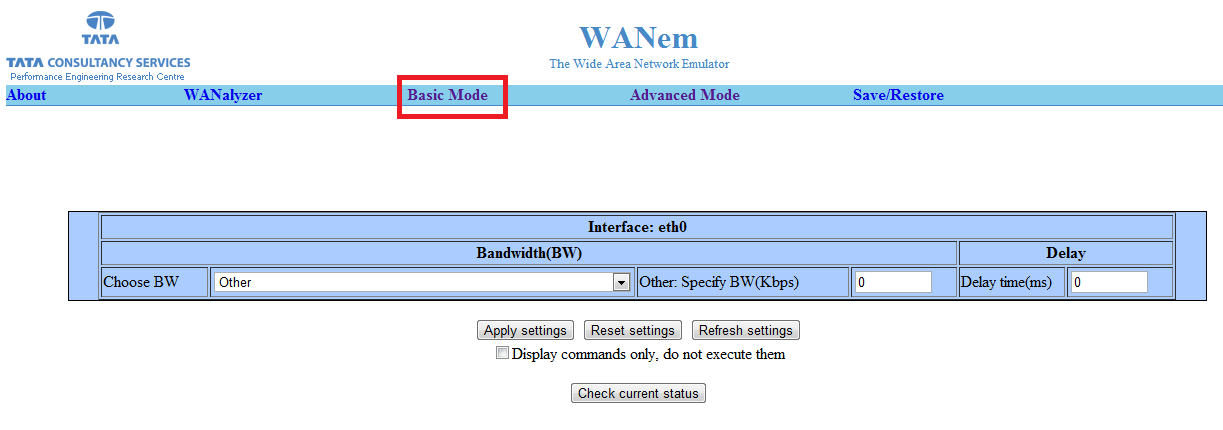
Click image to enlarge.
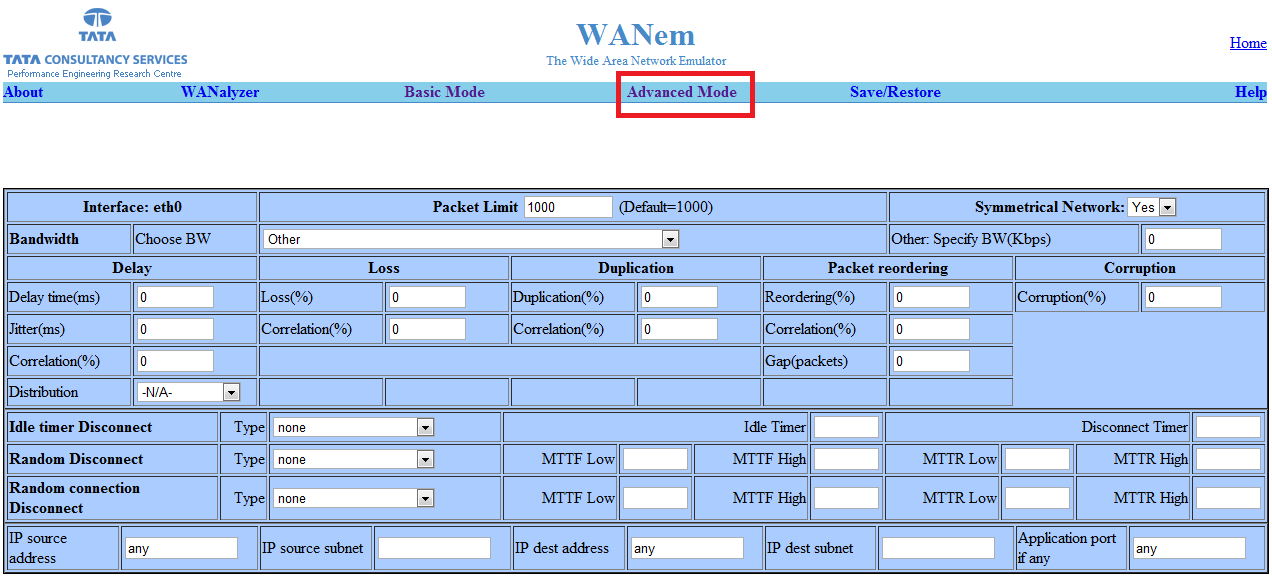


Leave a Reply